
For businesses
Click and collect for a café or takeaway: slots, caps and prep times that work
Mosey · 15 November 2026 · 12 min read
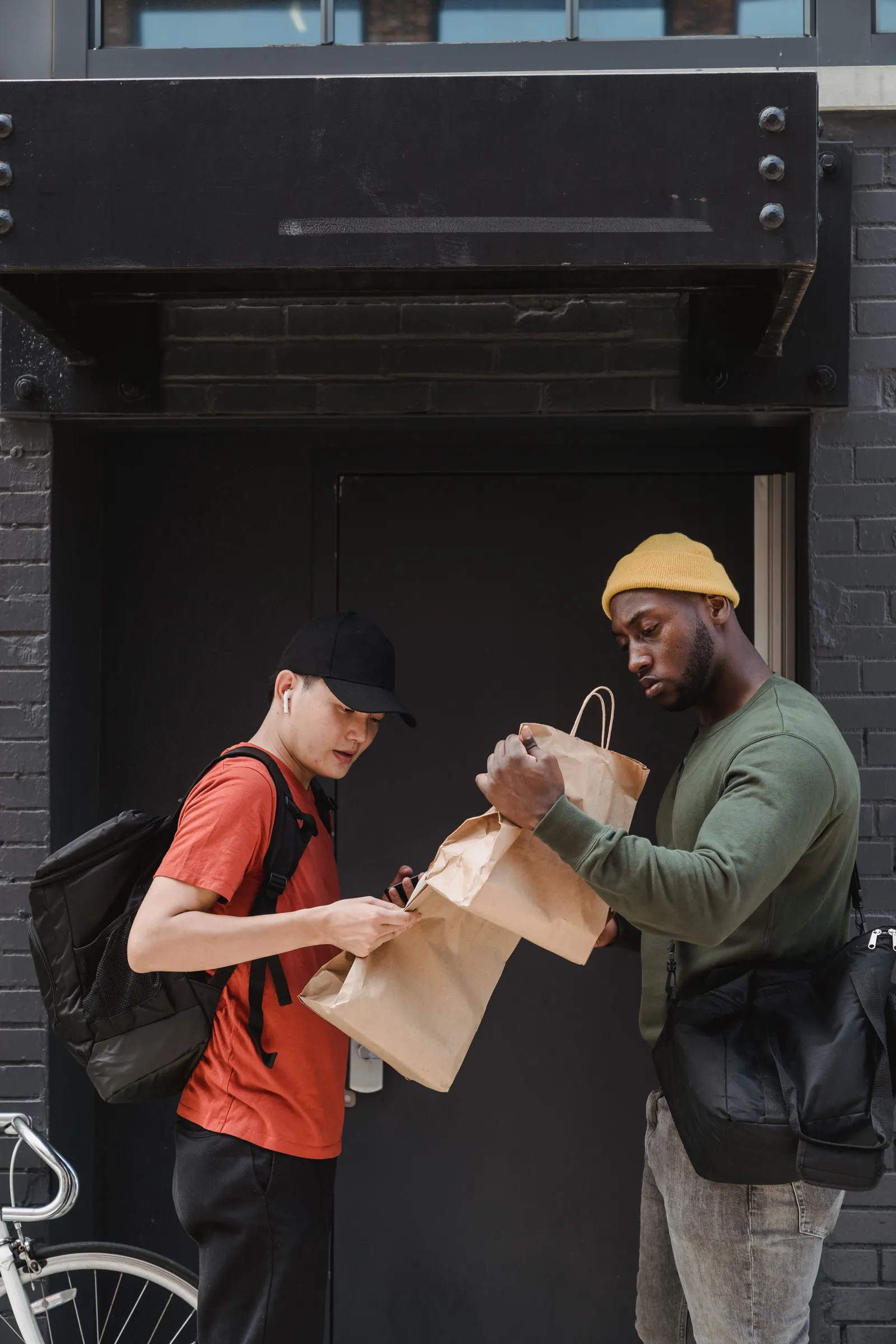
To run click and collect well in a café or takeaway, cap the orders you take in each ten-minute window at what your kitchen can really make, set an earliest pickup time that gives you room to cook, and show orders on a screen at the time they are due. Then keep one shelf for bags. Mosey Order Ahead does each of those.

Why does click and collect go wrong in a busy café?
The orders are not the problem. The timing is.
A customer who orders online expects the bag to be ready at the minute they chose. If twelve of them chose ten past one, you have twelve orders on the rail at once, a queue of walk-ins behind them and a barista making coffees for both. Everybody waits, and the people who paid in advance wait with the least patience.
Three things cause it. There is no limit on how many orders land in the same window. The earliest pickup is too soon for a kitchen already working. And the order is not on a screen the cook is looking at, so it is found late.
None of this needs more staff. It needs three numbers set honestly (how many per window, how soon, how long to make) and a place to put the bag. The rest of this guide sets them, with one worked example you can copy and change.
How many orders can your kitchen really make in ten minutes?
Start from the work, not from the demand.
On Mosey, collection times run in ten-minute windows inside the hours you set for collection, and you cap how many orders a window can take. The count looks at orders collected within five minutes either side of the time a customer picks, so the cap holds across the edge of a window as well as inside it. A full time cannot be taken: in the Mosey app it shows as busy, and on the website the customer is asked to pick another time before their card is charged.
To find your number, time your real service. Take a busy quarter of an hour and count how many orders your team finished while still serving the counter. Do not count the quiet ones.
Worked example (illustrative numbers, not a promise). A café has one barista and one person on food. On a busy lunch they finish about eight orders in a quarter of an hour while also serving walk-ins, which is about five in ten minutes. They set the cap at four, one under their best, so a slow toastie does not sink the window. Collection runs from 12:00 to 14:00, which is twelve windows, so the most they take online at lunch is forty-eight orders. If a slot is full every day for a fortnight, that is the signal to raise the cap by one and watch a Friday.
Two rules for setting a cap:
- Count orders, not items. One order of six coffees is heavier than six orders of one. If your orders vary a lot, set the cap for the heavy ones.
- Leave walk-ins room. If the counter is busy at one o'clock, your cap at one o'clock is lower than at half past two.
The cap is one number in settings and you can change it between services. There is a no-limit option, and it is a poor choice at lunch.
How long should prep time and the earliest pickup be?
Three different times matter, and mixing them up is where promises get broken.
The earliest pickup. This is how many minutes from now the soonest collection can be. On Mosey you set it from nought to 240 minutes, and the default is ten. A customer cannot pick a time sooner than this, so you always have time to start. Set it to the time of your slowest typical order plus a margin, not your fastest.
The prep time the customer sees. You set an estimate in minutes, shown at checkout. It is an honest average, not a hope. If it says fifteen and the typical wait is twenty-five, the customer remembers twenty-five.
The minutes you enter when you accept. When you accept an order you can type how long this one will take, from nought to 480 minutes. The customer sees "ready in about" that long. An order booked for a later time is the exception: it is ready at the time they picked, and no minutes are promised, because nobody should be told "fifteen minutes" about an order they booked for six o'clock.
When the kitchen slips, tell people early. Mosey has a running late button on the order: it moves the ready time back by the minutes you choose and tells the customer the new time, so they leave later instead of standing at the counter.
How far ahead should customers be able to order?
Further than most owners expect, because ordering ahead is where click and collect pays best.
The big wins are predictable orders: the office lunch for Friday, the breakfast trays for a Monday meeting, the Saturday bakes for a family visit. On Mosey, the website offers collection times up to seven days out, and in the app a customer can pick one of today's or tomorrow's times or schedule an order from thirty minutes to seven days ahead. The customer pays by card when they place it, so a booked order is a paid one. Nothing is cooked on a promise.
What happens next matters for your planning:
- The order waits. An order scheduled ahead in the app is kept out of your kitchen display until its time, so your screen is not full of orders for Friday on a Tuesday. The customer gets a reminder about thirty minutes before.
- The cap still protects you. A time picked from your collection list counts against the window cap, days ahead or not, so a Friday that is full is full.
- You can plan from the caps. The most you can have booked for a day is the cap times the number of windows. That is your production plan, and you can see it before the day.
- The customer can still cancel. Within the window you set, they can cancel from their phone and are refunded automatically. The default is ten minutes and you can set it from nought to thirty. For an order scheduled ahead in the app, the window runs from the time chosen, so a customer who changes their mind on Wednesday about Friday's lunch costs you nothing.
If you need a firm list of every item days ahead, for a catering-sized order, take those orders directly and keep the online ones to what you bake to capacity anyway. The pre-order guide covers cut-offs and the Christmas and Easter rush.
What should the kitchen screen show?
A paper docket tells a cook that an order exists. A screen tells them when to start it.
The kitchen display on Mosey is part of Order Ahead and delivery, with no extra charge and no per-screen fee, and it runs on a tablet you already own. Orders from the app and your website appear as tickets.
For collection, the features that matter are these:
- The clock starts when the kitchen should start it. An order booked on Monday for Friday does not show as four days late. The timer counts from the time it is due.
- Amber and red. You set when a ticket turns amber and when it turns red, for the kitchen or for one station. A ticket that is late says so in words as well as colour.
- Allergens first. Each ticket opens with what the dishes contain or may contain, taken from what you declared when the order was placed, and a count of dishes where you have declared nothing, so nobody reads silence as safe.
- Stations and the pass. If you have a grill and a cold counter, route dishes to each, and one screen at the pass serves a ticket only when every item is ready. A café with one station uses a single screen and the timers.
- Recall. A bumped ticket can be brought back for thirty minutes, for the remake when a cup was dropped.
Customers are told when an order is accepted and when it is ready. If you do not use a screen, orders still arrive on the Orders page and can be printed automatically. See the kitchen display guide and the kitchen display feature page for set-up.
What do you do when the rush beats the plan?
Even a good cap meets a day with two people off sick. Have the three levers ready before you need them.
- Pause collection. One tap stops new orders on collection while delivery or the counter carries on. Set it to resume after a time, up to a day, and it ends by itself, so you never open on Wednesday to find it still off from Tuesday night. Without a time, it stays on until someone resumes it. Anyone with permission to manage orders can press it, including the person on the pass.
- Slow auto-accept down. You can have orders accepted for you inside your opening hours, so customers are not left waiting. Unusually large orders still come to you, and you can set a limit on how many are accepted in an hour, above which orders wait for a person.
- Decline with a reason. If you cannot make an order, say why: out of stock, too busy, closing early, cannot meet the time. The customer is told in the message and refunded.
An order that nobody accepts does not sit. If it is still waiting after the time you set (fifteen minutes unless you change it), it is cancelled and the customer is refunded in full, so nobody is stranded with a charge and no food.
How do you hand the order over without a queue?
A collection order is a promise to be fast. A queue at the counter breaks it.
- A shelf with names. Put the bags in time order on a shelf by the door and label each with a name and the time. One person owns the shelf during the rush.
- A pickup code. You can ask for a four-digit code before an order is marked collected, which stops the wrong person leaving with a stranger's lunch. Turn it on if your shelf is in public view.
- Curbside. A customer who cannot park can tap to say they have arrived. You see it on the order, with their car description.
- Alcohol. An order that contains alcohol shows an ID-on-collection notice, on the order and in your list.
- Auto-complete. A ready order closes itself after a number of hours you choose, three by default, so your list does not fill with bags that were collected and never ticked off.
A can in the bag carries a Re-turn deposit, and the cup and box have packaging rules of their own.
What must customers be told about allergens and tips?
Allergens first. The Food Safety Authority of Ireland says that for phone and online orders, allergen information must be available before the purchase is concluded, and must still be provided at the point of delivery, verbally or in writing. A collection order is the same shape: say it on the menu and have it in the bag or at the shelf.
On Mosey, you declare allergens on each dish. The customer sees them while ordering, the declaration is copied onto the order at the moment it is placed, and it prints on the kitchen ticket. A dish with nothing declared shows as not listed, never as safe, and a customer with an allergy knows to ask. Read the full allergen guide for the written statement.
On tips, you decide whether customers are offered one on a collection order. Nothing is preselected, and the tip carries no Mosey fee, so the whole of it reaches you.
What does click and collect cost, and what does it save?
Order Ahead is free to switch on, with no monthly fee. When an order is paid, Mosey takes 1.5% of the food, with VAT on that fee. Stripe's card fee is passed through at cost, and the money goes to your own Stripe account. The customer pays a small booking fee on top, which scales with the order (€0.30 under €10, €0.60 under €30, €0.90 under €50, €1.29 on orders of €50 or more). Tips carry nothing. Every rate is on the pricing page.
Worked example (illustrative). A takeaway sells four hundred euro of food a week through collection. Delivery apps commonly charge around 30%, which is about one hundred and twenty euro on that. At 1.5% the commission is a small fraction of that, before the card fee. The saving is only real if the same customers order directly, so the next job is to tell them. The guide to moving regulars off delivery apps shows how.
If a driver is the missing piece, read whether you should run your own delivery. If your orders arrive as a group, group orders and split bills lets each person pay their own share.
What can you do this week?
Do these in order:
- Time one busy quarter of an hour and count the orders you finished.
- Set your cap to one under that, as a number per ten minutes.
- Set the earliest pickup to your slowest typical order plus a margin.
- Set the prep time customers see to your honest average.
- Declare allergens on the dishes people order most.
- Clear a shelf and choose who owns it at lunch.
- Put a test order through from your own phone, then watch it on the kitchen screen.
- Review the caps after a fortnight, and move one number at a time.
When the numbers are set, Host on Mosey free, switch on Order Ahead and put your own collection times on your page. The Order Ahead guide covers the set-up, the online ordering feature page shows what customers see, and the guides for food businesses cover the rest of the day.
This guide is general information, not legal, tax or financial advice. Rules change and depend on your business and where it is, so check the current rule with the official body named in the guide and take advice from a solicitor or accountant in your area before you act.
Questions
Common questions
How does click and collect work for a café?
A customer orders and pays online, picks a pickup time and collects. On Mosey, you set collection times, cap how many orders each ten-minute window can take, and accept the order. The customer is told when it is ready.
How many click and collect orders should I take per slot?
Time a busy quarter of an hour, count what your team finished while serving the counter, and set the cap one under that. Count orders, not items, and keep it lower when walk-ins peak. Change one number at a time.
What prep time should I show customers for collection?
Show an honest average, not your fastest order. If the usual wait is twenty-five minutes, say twenty-five. On Mosey you can also type the minutes for each order when you accept it, and move the time back with one tap if you run late.
How far ahead can customers order for collection?
On Mosey, customers can schedule an order from thirty minutes to seven days ahead, and the website offers collection times up to seven days out. They pay by card when they order, and a time picked from your collection list counts against your cap.
Can customers cancel a click and collect order?
On Mosey, a customer can cancel from their phone within the window you set and is refunded automatically. It is ten minutes unless you change it, up to thirty. For an order scheduled ahead in the app, it runs from the time they chose.
What if my kitchen gets overwhelmed with collection orders?
Pause collection with one tap, with an automatic restart if you want, lower the busy-hour limit on auto-accepted orders, or decline an order with a reason. A paid order nobody accepts is refunded in full once your timeout passes.
Do I need to give allergen information for online collection orders?
Yes. The FSAI says allergen information for phone and online orders must be available before the purchase is concluded and must still be provided at delivery, verbally or in writing. On Mosey, declared allergens show while ordering and on the kitchen ticket.
What does click and collect cost on Mosey?
Order Ahead has no monthly fee. Mosey takes 1.5% of the food on a paid order, plus VAT on that fee, and Stripe passes its card fee through at cost. The customer pays a booking fee that scales with the order. Tips carry no Mosey fee.
More like this
Read next
A hotel restaurant that locals use too
A hotel dining room earns local trade when it acts like a restaurant of its own. Here is why locals stay away, how to set the dining room up on Mosey beside your hotel, and which offers fill it.
An alcohol-free drinks menu that still makes margin
More guests are drinking less, in January and the rest of the year. Here is how to cost, price, name and sell an alcohol-free menu so it earns as well as the wine list, with the Irish VAT and offer rules checked.
A pub that does food: making the kitchen pay
A pub kitchen pays when its gross profit covers its own wages and running costs. Here is how to count it, which services to fill, what the alcohol rules say and how Mosey fits.
Auto-enrolment pension for Irish restaurants and cafés: what you pay and do
Since 1 January 2026 an Irish employer matches the pension contribution of each eligible employee. Here is who counts, what it costs on a wage bill, the payroll steps and what staff can opt out of.
Get started
Host your business on Mosey. It is free to claim.
Free to list, no set-up fee, and Order Ahead is 1.5% commission when you start taking orders.