For businesses
Do you need a card machine? Ways a small food business can take payment
Mosey · 15 November 2026 · 12 min read
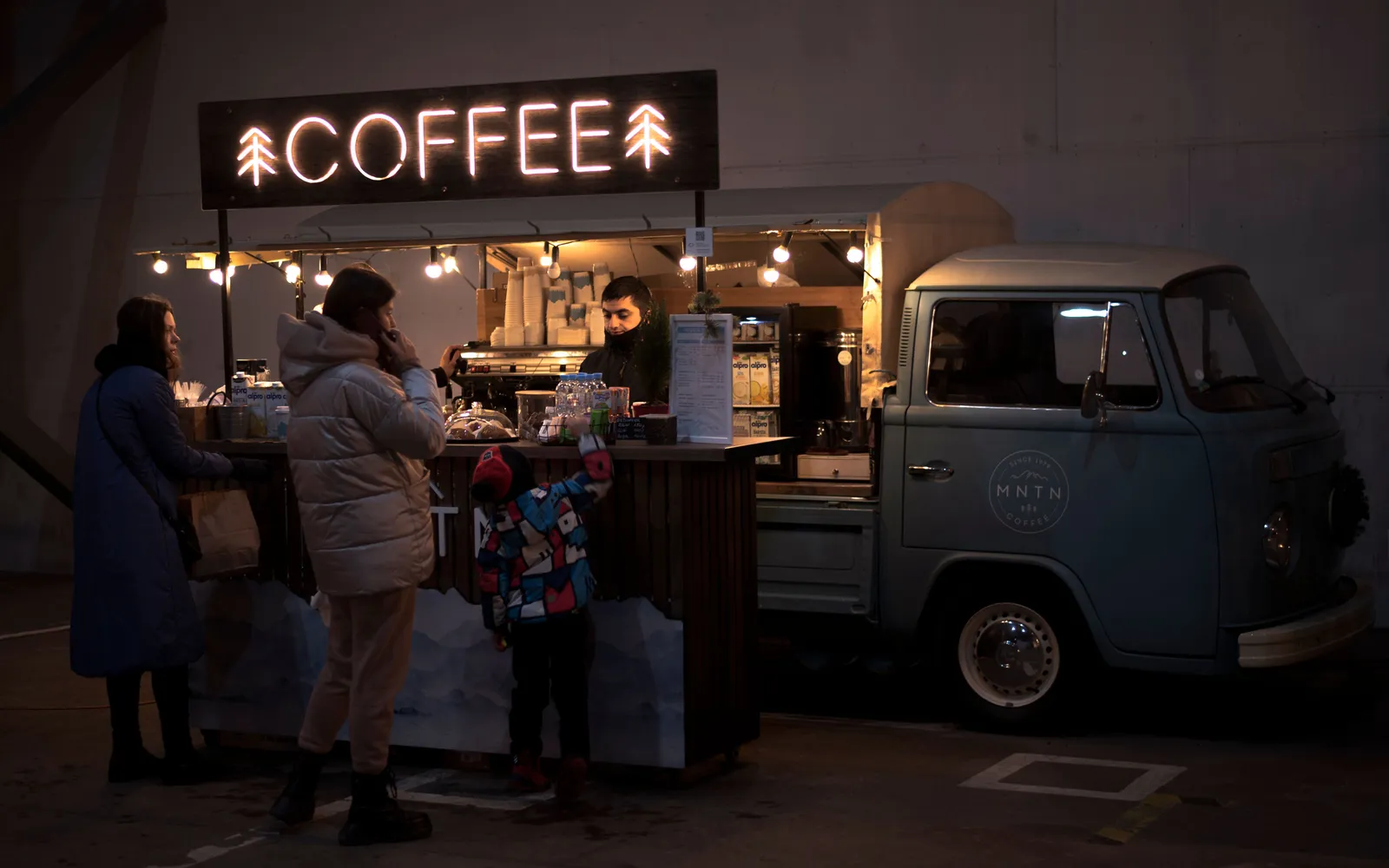
No, you do not always need a card machine. A small food business can take card payments from the guest's phone with Mosey Pay, record cash and a card machine you already own on a web till, or be paid before the guest arrives. The right mix depends on who your guests are, where you stand and how long your queue gets.

Do you need a card machine to take card payments?
A card machine is a box that reads a card. What you actually need is a way to get money from a guest's account into yours, with a record of it, at the moment they are ready to pay. A box is one way to do that. It is not the only way, and for some businesses it is not the best.
Think about the job at three points in a guest's visit:
- Before they arrive. A booking deposit, a voucher or an order placed in the app and paid for there. No machine is involved.
- At the counter or the table. The moment most owners mean by "card machine". The options are the guest's phone, a reader you rent or own, or cash.
- After they leave. A tab settled later, or a refund going back to the card it came from.
Most businesses use more than one. A café might take cash and phone payments at the counter and orders placed ahead for collection. A pub might run a till for tabs and a reader for the bar. The question is not "machine or no machine". It is which mix gives you the shortest queue, the cleanest end-of-day figures and the fewest moving parts to charge, carry and lose.
What does a card machine really cost you?
Do not judge a machine by its monthly rental alone. Before you sign or renew anything, put the same questions to every option, including your current one:
| Ask this | Why it matters |
|---|---|
| What is the monthly or one-off cost of the device? | A rental runs whether you trade or not. |
| What is the rate on each payment, and is there a fixed amount on top? | A fixed amount hurts most on a small sale such as a coffee. |
| Does the rate change for a tip? | A fee on tips takes money your staff earned. |
| Is there a cap on what you pay in a month? | A cap stops a busy month costing more. |
| How long is the contract and what does it cost to leave? | A long term is a bet on a business that may change. |
| What happens when the signal drops? | A reader that cannot connect cannot sell. |
| What does the device need each day? | Charging, paper, a SIM, a spare for a second till. |
| Who is the payment attached to? | A card number tells you nothing about the guest. |
Put your answers for each option on one page, with the same month of takings in each column. The card payment fee calculator does the sum with your own figures, and what a small café really pays to take card payments goes through the fees in more depth.
How does taking a card payment from the guest's phone work?
Mosey Pay takes the payment from a card the guest has already saved in the Mosey app. There is no device to buy, charge or carry. You use the screen you already have.
Every Mosey user has a permanent code in the Pay tab of the app. There are two ways to start a payment:
- By code. Ask the guest for their code, type it in with the bill, and a request goes to their phone. Before it is sent, your screen shows their first name and the last two digits of their code, so you know you are charging the right person.
- By QR. Type only the amount and your screen shows a large QR code. The guest scans it in the Mosey app.
Either way the guest confirms on their own phone, and nothing is charged until they do. A payment request lasts five minutes, and a QR can be claimed only once. If the guest changes their mind, you cancel the request before it is confirmed and start again, and nobody is charged twice.
The payment goes to your own Stripe account, and each one is stamped with the person who took it, so you can see takings by team member. A tip can be added when you type the amount, or by the guest on their confirm screen.
Staff cannot use the till to find out who is on Mosey. If a code matches nobody, or belongs to a guest with no usable card, the answer is the same message every time.
The Mosey Pay feature page has the set-up, and the in-store payments guide and taking card payments without a terminal go step by step.
What does the guest need, and what if they do not have it?
This is the honest limit. A guest needs the Mosey app and a saved card. A guest without them cannot pay this way, so Mosey Pay is a way for the guests who are on Mosey, not for everyone who walks in.
For everyone else you keep a second route open:
- Cash, recorded on the till with the change shown in large type.
- A card machine you already own, recorded on the till as an external card. Mosey takes no fee on it.
- Pay ahead, for guests who book or order through the app.
So you do not replace your current way of taking payment on day one. You add one beside it and watch which guests use it. Mosey does not supply a card machine or reader, so a physical reader at the counter stays a separate arrangement of your own.
Here is a way to find out how much it will matter to you. Example only: over a week you count 40 card payments, and at 12 of them the guest had the Mosey app. That is three in ten. If your regulars are the ones with the app, the share will be higher among them than among passing trade. A food truck at a market sees mostly strangers. A neighbourhood café sees its regulars every day, and those are the guests you most want to reward and bring back.
What does it cost to take payment this way?
There is no monthly fee and no hardware to buy. Mosey takes 0.5% on the bill, plus 23% VAT on that fee, and Mosey's part stops at €149 a month before VAT. Stripe's own card fee is passed through at cost.
Three details change the sum in your favour:
- The fee is on the bill, not the tip. Mosey takes nothing on tips, so a generous tip never raises the fee. Stripe's card fee still applies to the whole amount charged.
- The cap is shared with the till. Mosey Pay and card payments on the till count towards one monthly cap, so using both costs no more than using one.
- Cash carries no Mosey fee. Neither does a card payment you record as external from a machine of your own.
For the guest, a Mosey Pay bill paid in your business carries no booking fee on top of the bill. Other Mosey purchases are different: an online order carries a booking fee that the guest pays, scaled to the order size (€0.30 under €10, €0.60 under €30, €0.90 under €50, €1.29 on orders of €50 or more), and the pricing page lists every rate.
A refund goes back to the guest's saved card from your dashboard. The person issuing it needs the issue refunds permission, which you can give to a manager and keep from a new starter.
How do you run a till without a card machine?
If you serve tables or run tabs, a payment method is only part of it. You also need to open a table, add dishes, send them to the kitchen, split the bill and close the night. The Mosey till does that in a browser, on a tablet or laptop you already own.
On the till you can:
- Open a table, a tab or a takeaway, and change a line for size, extras or a note.
- Send lines to the kitchen display or a printer, with the allergens declared on each dish printed on the ticket.
- Split a bill equally between two and ten people, or by item.
- Take cash, record a card payment from your own machine, or send a Mosey Pay request to a guest's phone.
- Print or email a receipt, and open a cash drawer connected through a supported printer.
- Switch on staff PINs, so each sale shows who rang it, and read the Z report when you close the shift.
If you switch on offline selling in the till's settings, it keeps taking cash and card-machine sales when the internet drops. Mosey Pay needs a connection, because the guest confirms on their phone, so keep cash and your own machine as the fallback for a bad signal day.
The till has no monthly fee. The till feature page and the Mosey till guide cover setting it up. If a table of six is arguing over who had the starter, group orders and split bills deals with the queue at the till from the other side.
Which way suits a stall, a café, a bar or a restaurant?
Match the method to how your guests behave, not to what a salesperson shows you.
| Your business | What tends to work | Keep as a fallback |
|---|---|---|
| Food truck or market stall | Mosey Pay by QR, so there is nothing to carry | Cash, a machine of your own |
| Café or bakery with a queue | Mosey Pay by code for regulars, orders placed ahead for collection | Cash |
| Bar or pub with tabs | The web till for tabs, Mosey Pay to settle | A machine of your own at the bar |
| Restaurant with tables | The web till with split bills, a deposit paid ahead for big bookings | Cash, a machine of your own |
| Pop-up with a short menu | One tablet, Mosey Pay and cash | A machine of your own |
Two points sit under the table. Regulars are the guests most likely to have a saved card in the app, so a business built on regulars gets more from Mosey Pay than one built on passing trade. And a queue is the real cost of slow payment. If a machine, a signal and a PIN make every sale take a minute, the guests behind leave. Whichever way you take payment, time one sale from "that will be" to "thank you".
What can go wrong, and what do you do?
Plan for the five things that go wrong at a counter:
- The guest has no app or no saved card. Take cash or card on your own machine and record it on the till. Nothing is lost.
- The code does not work. Check the digits, or switch to the QR. If a code matches nobody, you get the same message every time, by design.
- The guest does not confirm. Cancel the request and start again. A request that is not confirmed in five minutes expires, and a cancelled one cannot take money.
- Your signal drops. Use cash or your own machine. With offline selling switched on, the till keeps taking those two.
- A payment is wrong. Refund it from the dashboard, back to the guest's saved card.
A payment also has to stay within the minimum and maximum the till shows for one payment, so a very large bill, such as a private function, is better settled by a deposit paid ahead than at the counter.
How do you switch over without a bad Friday?
Do not change the way you take payment in the busiest week of the month. Change it in a quiet fortnight, in this order:
- Host your business on Mosey and connect your Stripe account in Account and billing. Your Stripe account has to be connected and active before you can take payments.
- Check that the people who take payments have the take payments permission. Owners, managers and staff have it by default, and you can remove it from one person.
- Take one payment on your own phone, with your own code, then refund it. You see both sides once.
- For one week, offer Mosey Pay beside your current method. Do not remove anything.
- Put a small sign at the counter, so regulars who have the app know to ask.
- At the end of the week, count: payments by each method, how long the queue was at its worst, and what the fee was against your old one.
- Keep the mix that gave the shortest queue and the cleanest figures. Drop the rest, and cancel a rental only when you are sure.
What should you do this week?
- Write down what you pay now for taking payment, in full, using the questions above.
- Count how many of your card payments last week came from regulars you know by name.
- Time one payment from start to finish at your busiest hour.
- Choose the one change that would shorten the queue most.
- Try it for a week alongside what you already do.
When you are ready to run a week of it, Host on Mosey free, connect Stripe and take your first payment on your own phone. If you are weighing the whole bill for the software behind your counter, how much restaurant software costs adds up the stack, and the guides for food businesses cover the rest.
This guide is general information, not legal, tax or financial advice. Rules change and depend on your business and where it is, so check the current rule with the official body named in the guide and take advice from a solicitor or accountant in your area before you act.
Questions
Common questions
Can I take card payments without a card machine?
Yes. On Mosey, a guest with the app and a saved card confirms a payment on their own phone after you type their code or show a QR. You can also take cash, record a machine you already own, or be paid ahead through a booking or order.
Do my guests need an app to pay with Mosey Pay?
Yes. The guest needs the Mosey app and a saved card. A guest without them can pay in cash or on your own card machine, which you record on the till as normal, so nobody is turned away.
How long does a Mosey Pay request last?
The guest's code is permanent, but each payment request lasts five minutes, and a QR can be claimed only once. If the guest does not confirm in that time, the request expires. You can cancel an unconfirmed request and start a new one without anyone being charged twice.
What does Mosey Pay cost compared with a card machine?
Mosey takes 0.5% plus VAT on the bill, capped each month at €149 before VAT, with Stripe's card fee passed through at cost. There is no monthly fee and no device. Compare it with a machine using the same month of takings.
Do I pay a fee on tips?
Mosey takes nothing on tips, and its fee is worked out on the bill, so a tip never raises it. Stripe's card fee still applies to the whole amount charged. The tip goes to your own Stripe account.
Can I use my own card machine with the Mosey till?
Yes. You record the payment on the till as an external card. Mosey takes no fee on it. Mosey does not supply a card machine or reader, so any physical reader is your own arrangement.
Does the Mosey till work without an internet connection?
Offline selling is optional. When an owner switches it on in the till settings, the till keeps taking cash and card-machine sales when the internet drops. Mosey Pay needs a connection, because the guest confirms on their phone.
How do I start taking payments on Mosey?
Host your business on Mosey, connect your Stripe account in Account and billing and check your staff have the take payments permission, which they hold by default. Then take a test payment on your own phone and refund it before you offer it to guests.
More like this
Read next
A hotel restaurant that locals use too
A hotel dining room earns local trade when it acts like a restaurant of its own. Here is why locals stay away, how to set the dining room up on Mosey beside your hotel, and which offers fill it.
An alcohol-free drinks menu that still makes margin
More guests are drinking less, in January and the rest of the year. Here is how to cost, price, name and sell an alcohol-free menu so it earns as well as the wine list, with the Irish VAT and offer rules checked.
A pub that does food: making the kitchen pay
A pub kitchen pays when its gross profit covers its own wages and running costs. Here is how to count it, which services to fill, what the alcohol rules say and how Mosey fits.
Auto-enrolment pension for Irish restaurants and cafés: what you pay and do
Since 1 January 2026 an Irish employer matches the pension contribution of each eligible employee. Here is who counts, what it costs on a wage bill, the payroll steps and what staff can opt out of.
Get started
Host your business on Mosey. It is free to claim.
Free to list, no set-up fee, and Order Ahead is 1.5% commission when you start taking orders.