
For businesses
Get your sales by VAT rate ready for your accountant
Mosey · 15 November 2026 · 12 min read
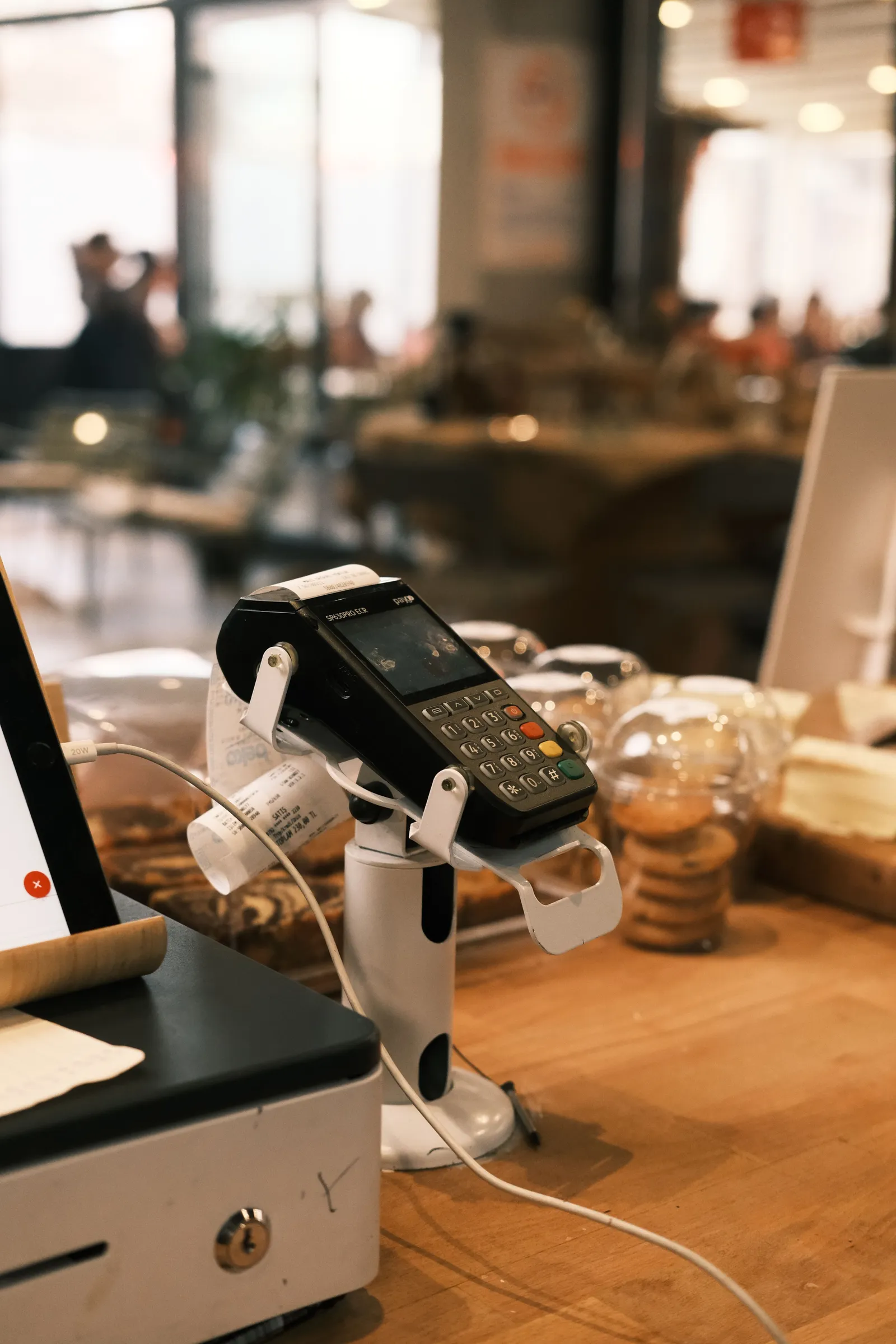
For your VAT records, an Irish restaurant or café needs its sales for each period split by VAT rate, with refunds taken off, and kept for six years. That means every dish carries the right rate for eat-in and for takeaway, sales are totalled by rate, and your accountant gets a clean summary. Mosey produces that summary. It does not file your return.

What does your accountant actually need from you?
Every VAT period you are asked for "sales by rate". It goes wrong when a till rings everything at one rate, when a refund is not matched to the sale, or when takeaway and eat-in are mixed in one total.
Your accountant needs, for the period:
- Sales split by VAT rate, with the VAT inside each rate and the sales without VAT.
- Refunds and voids taken off, against the rate of the sale they reverse.
- Eat-in kept apart from takeaway, because they can take different rates.
- Anything sold outside the till, such as vouchers, tickets and private events, listed so it can be placed.
- Your purchases, which no sales system can know.
Everything below is about getting the first four right without a night of spreadsheets. The last one stays with you and your accountant, and the VAT guide for Irish restaurants and cafés covers the wider picture.
Which VAT rates apply to food and drink in Ireland?
Check Revenue for the current rate of each category. Here is how Revenue's guidance on restaurant and catering services splits them, as opened on 14 November 2026.
| What you sell | How Revenue treats it |
|---|---|
| Restaurant and catering service (food served to eat in) | The second reduced rate applies from 1 July 2026. The reduced rate applied before that. |
| Hot takeaway food, including hot tea and coffee | The second reduced rate from 1 July 2026. |
| Cold takeaway food | The zero rate. Cakes, biscuits, sweets and crisps to take away have rates of their own. |
| Alcohol, bottled waters, soft drinks, sports drinks and vegetable juices | The standard rate, even when served as part of a restaurant meal. |
| Delivery services | The standard rate. |
Two details matter for a menu.
First, Revenue says takeaway food and drink from a fixed establishment is generally a supply of goods, not a restaurant service. Whether something counts as hot is about the food itself: food heated, kept heated or supplied while still warm.
Second, cold food sold with hot food for one price, such as coleslaw with hot chicken, takes the second reduced rate from 1 July 2026.
Your own menu will have edge cases: settle each with your accountant, in writing, once. The 1 July 2026 change is explained in the guide to VAT at 9% for Irish restaurants, and the guide to pricing your menu after the cut covers what to do with the price.
How do eat-in and takeaway change your records?
The same dish can sit at a different rate depending on how it leaves your kitchen. A hot coffee is hot tea or coffee whether it is drunk at the table or carried out. A sandwich is where it gets interesting: Revenue's summary shows a cold sandwich at the second reduced rate eaten in and the zero rate taken away, while a hot sandwich takes the second reduced rate either way.
So a record that only says "sandwich, 6.00" is not enough. It needs to say which rate, and that depends on the route.
On Mosey, each dish carries two rates in the menu builder: VAT (eat in) and VAT (takeaway). Leave the takeaway rate at "Same as eat in" and the dish uses one rate everywhere. Set it, and an order for takeaway or collection uses the takeaway rate while a table order uses the eat-in rate. A dish with no rate of its own takes your business's default.
There is a separate step before any of that. Mosey asks you to say whether your business is VAT registered and to confirm the rate for each category: food served, cold takeaway, soft drinks, alcohol, staff supplied and delivery. This sits in the VAT tab of the Catering page, whether or not you sell catering (if Catering is not in your sidebar, open it from More tools), and an owner does it, because it sits with billing. It suggests starting figures, and nothing is treated as confirmed until you tick it. Mosey does not pick a rate for you, because your accountant has the last word on it.
How do you set up your menu so the rates come out right?
Do this once, with your menu and your accountant's last note.
- Confirm your VAT details. In Catering, then the VAT tab, say whether the business is registered and tick the rate for each category. Until you do, Mosey shows no VAT figures at all.
- Group the menu by rate, not by section. Hot food, cold takeaway items, soft drinks, alcohol. Walk down each section and give every dish its eat-in rate.
- Set the takeaway rate on anything that differs. Cold sandwiches, salads, cold items you sell to carry out, and anything else your accountant has flagged.
- Treat combos on purpose. Revenue says a meal deal sold at one price should have its discount apportioned between the items at their own rates. On Mosey a combo's price is shared across its dishes in proportion to their prices, so the burger part sits at the food rate and the drink part at the drink rate.
- Look for dishes with no rate. A sale with no rate on it is never given one. It shows in a separate "No rate set" row, which is your cue to fix the dish and ask your accountant where it belongs.
- Write down the decisions with the date and who agreed them.
What does the Mosey VAT summary show, and what does it leave out?
If your business is in Ireland, the Sales tab of your analytics has a VAT sales summary for any period you pick, up to a year. It reads what Mosey recorded, and it can be downloaded as a CSV or a PDF for your accountant.
What it covers:
- Sales rung up on the till, at the rate each line carried when the bill closed.
- Online orders, at the rate each line carried when the order was placed.
- A row for each rate, with the total including VAT, the VAT, and the sales without VAT, plus a line for each channel.
- Refunds, netted against the rate they came from. A refund is shared across the rates of the original sale in proportion, and a refunded tip is never counted against sales.
- Dates in your own local days, so a late service lands on the right day.
Because each sale keeps the rate it was rung with, editing a dish or changing a rate later does not rewrite last month.
What it does not show: some money goes through Mosey with no VAT split recorded. The summary lists these separately, with the VAT left unworked:
- Mosey Pay payments taken outside the till.
- Gift voucher sales.
- Event tickets and promotions.
- Catering.
- Courses, food trails and memberships.
It marks them "not itemised" on purpose. A voucher, for instance, usually carries its VAT when it is redeemed rather than when it is sold, and the redemption is already on a till bill or an order. Ask your accountant how to treat each line you actually sell.
Online orders placed before Mosey began recording VAT by rate are counted and listed as not in the table, never guessed from today's menu.
What it never does: it does not know your purchases, your other supplies or anything sold outside Mosey, such as a cash sale you never rang up. It leaves those boxes blank rather than putting a zero, because a zero is a statement. And Mosey files nothing: the summary is a helper for you and your accountant, not a return and not tax advice.
Your Irish summary includes the VAT on sales and the sales without VAT. It leaves the VAT on purchases and what follows from it blank, and it reminds you to add them before you file. The VAT help feature page shows where it sits in the dashboard.
How should refunds and voids show up?
A refund should reduce the rate of the sale it reverses, not float as a lump at the bottom of the month. If a 40 euro table refunds a main and a glass of wine, the main comes off its rate and the wine comes off the standard rate.
When a refund covers a whole bill that held several rates, the cleanest method is to share it across those rates in proportion. That is how the Mosey summary does it, using whole cents so the parts add up to the whole.
Here is a worked example, with invented round numbers and invented rates (10% and 20%, which are not Irish rates). It is only there to show the arithmetic.
| Example rate | Sales including VAT | Refunds | Net of refunds | VAT inside | Sales without VAT |
|---|---|---|---|---|---|
| Lower rate (10%) | 1,100.00 | 110.00 | 990.00 | 90.00 | 900.00 |
| Higher rate (20%) | 1,200.00 | 0.00 | 1,200.00 | 200.00 | 1,000.00 |
| Total | 2,300.00 | 110.00 | 2,190.00 | 290.00 | 1,900.00 |
Notice that the VAT inside a price is the price times the rate, divided by one hundred plus the rate, so 990 at the lower rate holds 90, not 99. And the refund reduces its own row.
One timing note from the way Mosey records them. A refund lands in the period it was made, at the till or online, as a credit note does. An older online refund that has no refund date recorded stays in the period of its order. If a refund crosses a period end, tell your accountant.
What records does Revenue expect you to keep?
From the Revenue pages opened on 14 November 2026:
- Six years. Revenue's guidance on keeping records says you must keep the original of these documents for six years, and it lists invoices issued for sales among the supporting documents. Keeping VAT records for a shorter period needs Revenue's written permission.
- Till records. For a cash register or EPOS system, Revenue's guidance (last reviewed May 2026) says a complete record of each entry must be kept electronically, each with a sequential number, a date and a time, and that records are generally kept readable for six years.
- Daily totals and Z reports. Revenue says the Z total reports and the data supporting them need to be retained, and that the transaction data should be available at short notice.
- A way to reproduce them. If you change till system, the old data must still be producible for the full period.
What this means for you in practice:
- Download the VAT summary for every period as a CSV and a PDF, and file both with your accountant's copy.
- Keep the folder for six years, with the year in the file name.
- Keep your own copy of anything Mosey cannot see: supplier invoices, cash sales outside the till and any manual adjustment.
Mosey's summary is a working tool, not your statutory books. Ask your accountant what you must hold.
How do you handle a VAT rate change?
A rate change is when records go wrong, as the 1 July 2026 cut showed.
Mosey never changes your rates silently. When a change to a category is announced and loaded, it proposes it to you with a date. Nothing moves until a person in your business confirms it and chooses one of two outcomes:
- Keep the shelf price. The price your customer sees stays the same, and the VAT inside it, and so your net, change.
- Keep your net. What you earn stays the same, and the shelf price moves by the change.
On the date, the confirmed category rate and the dishes still on the old rate move together. A dish you gave its own rate is left alone. Orders already placed and bills already open keep the rate they were rung with, so nothing already sold changes.
How do you run the month-end in an hour?
Pick a day each month and do the same steps.
- Check for "No rate set". If the row appears, fix the dishes behind it first.
- Pick the period that matches your VAT period and download the CSV and PDF.
- Look at the not-itemised list. If you sold vouchers, tickets or catering, add a line for your accountant saying what they were.
- Add cash and anything sold outside Mosey. The summary cannot see it.
- Compare the total with your bank and your payment records. A gap is a question to ask, not an error to hide.
- Send the pack to your accountant with a two-line note on anything unusual: a large refund, a rate change, a new dish.
- File it, with the date.
For the same hour spent on cash, the 13-week cash flow plan shows where a VAT payment falls in your cash, and the guide to what a café really pays to take card payments explains the fees that sit beside it. If you list allergens on the same menu pass, the allergen matrix guide shows how to do it in the same sitting.
What can you do this week?
- Confirm your VAT details in the VAT tab of the Catering page and tick each category.
- Open your menu and read the eat-in rate on every dish.
- Set the takeaway rate on every dish that differs.
- Download last month's VAT summary and look for a "No rate set" row.
- Send your accountant three questions: how to treat vouchers, how to treat tickets and catering, and whether they want the CSV or the PDF.
- Start the six-year folder.
When you want the rates, the till and your online orders in one login, with a VAT summary at the end of every period, Host on Mosey and claim your page. Look at the pricing page for what each part costs, and find more in the guides for food businesses.
This guide is general information, not legal, tax or financial advice. Rules change and depend on your business and where it is, so check the current rule with the official body named in the guide and take advice from a solicitor or accountant in your area before you act.
Questions
Common questions
What VAT records does an Irish restaurant need to keep?
Revenue says to keep the original business records for six years, including invoices issued for sales. For a till, keep every entry electronically with a sequential number, date and time, plus Z reports and the data behind them. Ask your accountant what else applies to you.
Is takeaway food at a different VAT rate in Ireland?
It can be. Revenue treats takeaway as a supply of goods. Hot takeaway food takes the second reduced rate from 1 July 2026, cold takeaway food is at the zero rate, and soft drinks and alcohol are at the standard rate. Check Revenue for the current rate of each.
How do I record a meal deal with a soft drink for VAT?
Revenue says the discount on a combination meal deal should be apportioned between the items at their own rates. Hot food and a soft drink can sit at different rates, so one price needs splitting. On Mosey, a combo price is shared across its dishes by their prices.
How are refunds shown in a VAT summary?
Take each refund off the rate of the sale it reverses, not off the grand total. On Mosey, a till refund is shared across the rates of the original bill, a refunded tip is left out, and a refund counts in the period it was made.
Does Mosey file my VAT return?
No. Mosey files nothing. Its VAT sales summary is a helper: it groups what Mosey recorded by rate and leaves out your purchases, so your accountant or you still complete and file the return. Download it as a CSV or a PDF.
Why does my Mosey VAT summary say not itemised?
Some sales go through Mosey without a VAT split being recorded: Mosey Pay outside the till, vouchers, tickets, promotions, catering, courses, trails and memberships. They are listed apart, with no VAT worked out, so your accountant can decide where each belongs.
Why can I not see a VAT summary on Mosey?
Mosey shows VAT figures only after you confirm your VAT details, meaning you say whether the business is VAT registered. A business that says it is not registered gets no VAT summary. An owner confirms them in the VAT tab of the Catering page, then reload the Sales tab.
What happens to my records when the VAT rate changes?
Sales already made keep the rate they were rung with. On Mosey, a rate change is proposed to you and nothing moves until you confirm it and choose to keep the shelf price or keep your net. Orders already placed do not change.
More like this
Read next
A hotel restaurant that locals use too
A hotel dining room earns local trade when it acts like a restaurant of its own. Here is why locals stay away, how to set the dining room up on Mosey beside your hotel, and which offers fill it.
An alcohol-free drinks menu that still makes margin
More guests are drinking less, in January and the rest of the year. Here is how to cost, price, name and sell an alcohol-free menu so it earns as well as the wine list, with the Irish VAT and offer rules checked.
A pub that does food: making the kitchen pay
A pub kitchen pays when its gross profit covers its own wages and running costs. Here is how to count it, which services to fill, what the alcohol rules say and how Mosey fits.
Auto-enrolment pension for Irish restaurants and cafés: what you pay and do
Since 1 January 2026 an Irish employer matches the pension contribution of each eligible employee. Here is who counts, what it costs on a wage bill, the payroll steps and what staff can opt out of.
Get started
Host your business on Mosey. It is free to claim.
Free to list, no set-up fee, and Order Ahead is 1.5% commission when you start taking orders.