
How to
Dashboard: Reviews, Posts and Gallery, your public face
Mosey · 23 October 2026 · 3 min read
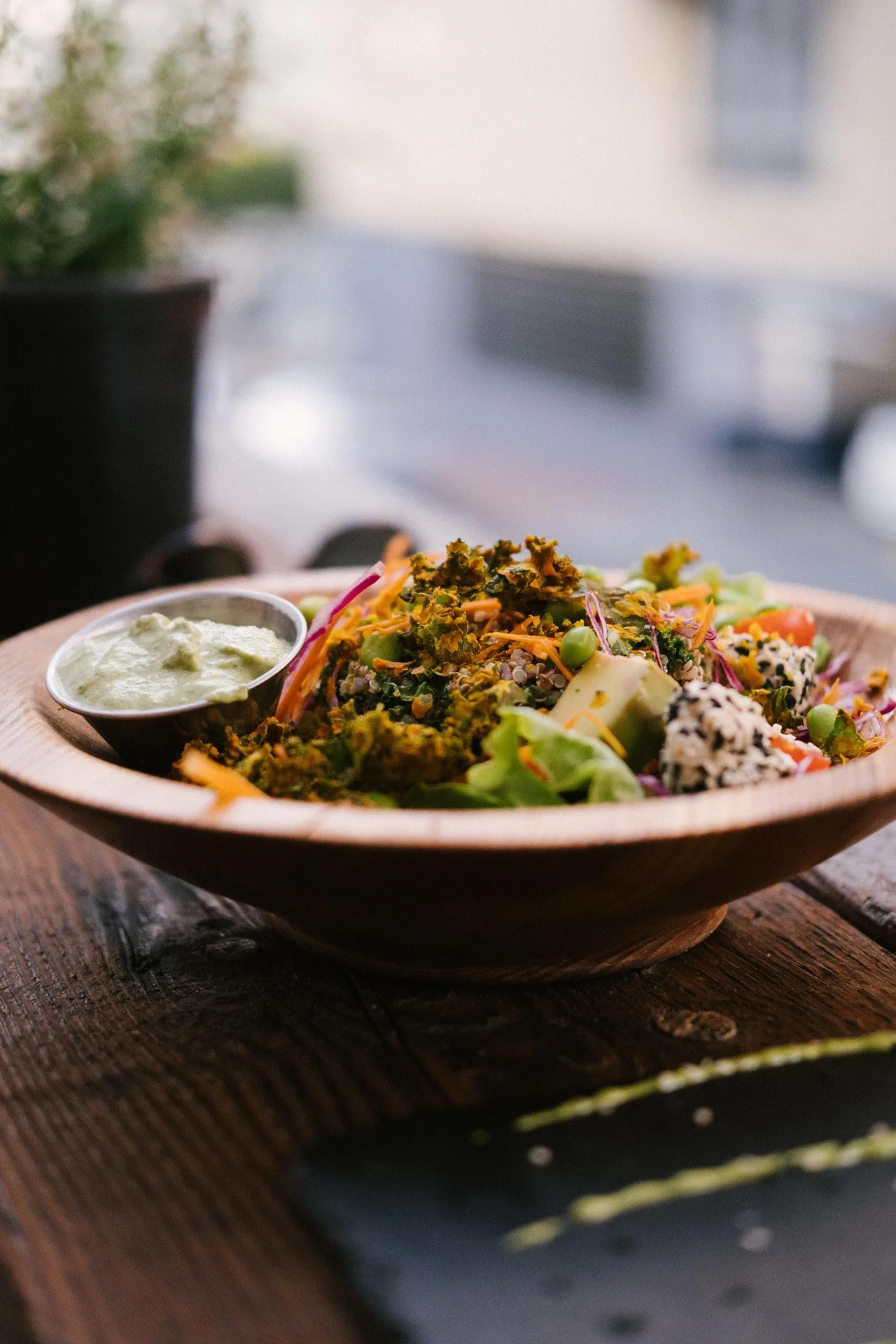
Photos, posts and reviews, in the sidebar, are what a guest reads before they choose you: your Gallery, your Posts and your Reviews. Keep them current and answer every rating. Replies are published under your business's name, so replying needs the manage reviews permission, which owners and managers have by default and staff do not. Editing photos needs manage settings.
How do you reply to a rating?
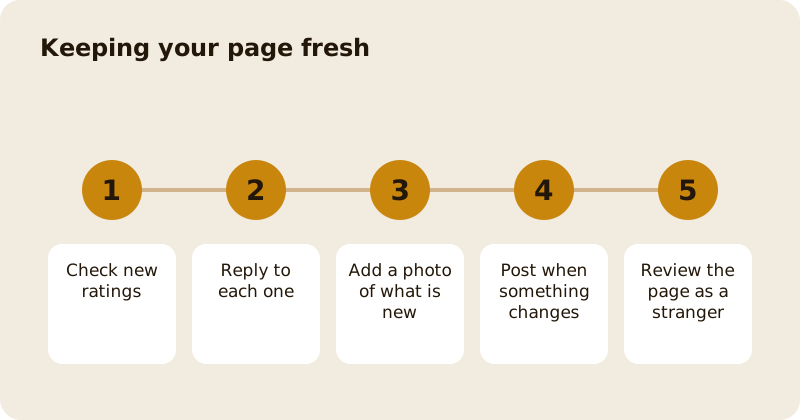
Open Reviews, read the rating, and reply. Thank the guest by naming something they said, answer any problem in a sentence, and offer to put it right in private by message. Do not argue in public, and never share another guest's details. A calm reply to a bad rating persuades the next reader more than a perfect rating does. Ratings are of what guests actually ate, which is why they carry weight; see reply to reviews and ratings.
Can you remove a bad rating?
No. A rating is the guest's, and you cannot delete it or pay to hide it. If a rating breaks the rules, such as abuse or a rating from someone who was never there, you can report it for moderation. Otherwise reply and move on. Ratings are also the only thing that earns Mosey Gold, which is why they are worth answering; see how your business earns Mosey Gold.
What goes in Gallery?
Your own photos of dishes, the room and the people. Start with a bright cover photo and the six dishes you most want to sell. Replace a photo when the dish changes, and drop any that make the room look emptier than it is. Photos from guests appear on your page too, but yours set the tone. Use real photos of your own food only.
What are Posts for?
A post is a short update on your page: a new dish, an event, a change of hours, a seasonal menu. Write what a regular would tell a friend, add a photo, and post when something truly changes. Followers see it, and so do people who find you in search. One good post a week is better than five thin ones.
What about Gatherings?
Gatherings sits under the same group in the sidebar. It handles requests for large group bookings and private hire. See private hire and large group bookings for how to quote them.
What makes a reply good?
A good reply is short, specific and kind. Name the dish or the evening, thank the guest, and say what you will do. If the rating is warm, say something real back rather than a stock line. If it is sharp, resist the first draft, sleep on it if you can, and write the second. Guests read how you answer as well as what was said.
How do you check the page as a guest sees it?
Open your public page on a phone, as a stranger would, once a month. Check the hours, the cover photo, the first three dishes and the newest rating. If anything makes you wince, fix it now. The set-up steps are in setting up your business profile.
Questions
Common questions
Who can reply to ratings?
People with the manage reviews permission, which owners and managers have by default. Staff do not, because a reply is published under your business's name unless an owner allows it.
Can I delete a rating I do not like?
No. A rating belongs to the guest. You can report one that breaks the rules for moderation, and otherwise the right move is a calm, public reply.
Who can change the Gallery?
People with the manage settings permission, which owners and managers have by default. Staff can see the Gallery but need an owner to grant that permission to change it.
How often should I post?
When something truly changes, such as a new dish, an event or new hours. One good post a week beats several thin ones, and followers see each of them.
What is Mosey Gold based on?
Ratings alone. It is earned by places that guests keep rating well over time, and nobody can pay for it or buy a better position.
More like this
Read next
Dashboard: Account and billing, Stripe payouts and your invoices
Account and billing is where you connect Stripe, see what Mosey has charged and why, and download invoices. Your takings go to your own Stripe account, not through Mosey.
Dashboard: Analytics and Mosey picks, what the numbers mean
Analytics shows how people find your business and what they do next. Mosey picks shows where you stand on ratings. Gold is earned from ratings alone and nobody can pay for it.
Dashboard: build your menu, scan it in and declare allergens
Menu Builder is the base for everything you sell. Scan your paper menu, tidy the dishes, choose where each is sold and declare allergens once so every ticket and label carries them.
Dashboard: Catering, requests, quotes, deposits and the calendar
Catering has its own group in the sidebar. A request arrives, you build a quote, the customer accepts, and a deposit holds the date. Here is each screen in order.
Get started
Claim your business free
Free to list, no set-up fee, and Order Ahead is 1.5% commission when you start taking orders.