
For businesses
Game day planning for restaurants in college towns
Mosey · November 11, 2026 · 5 min read
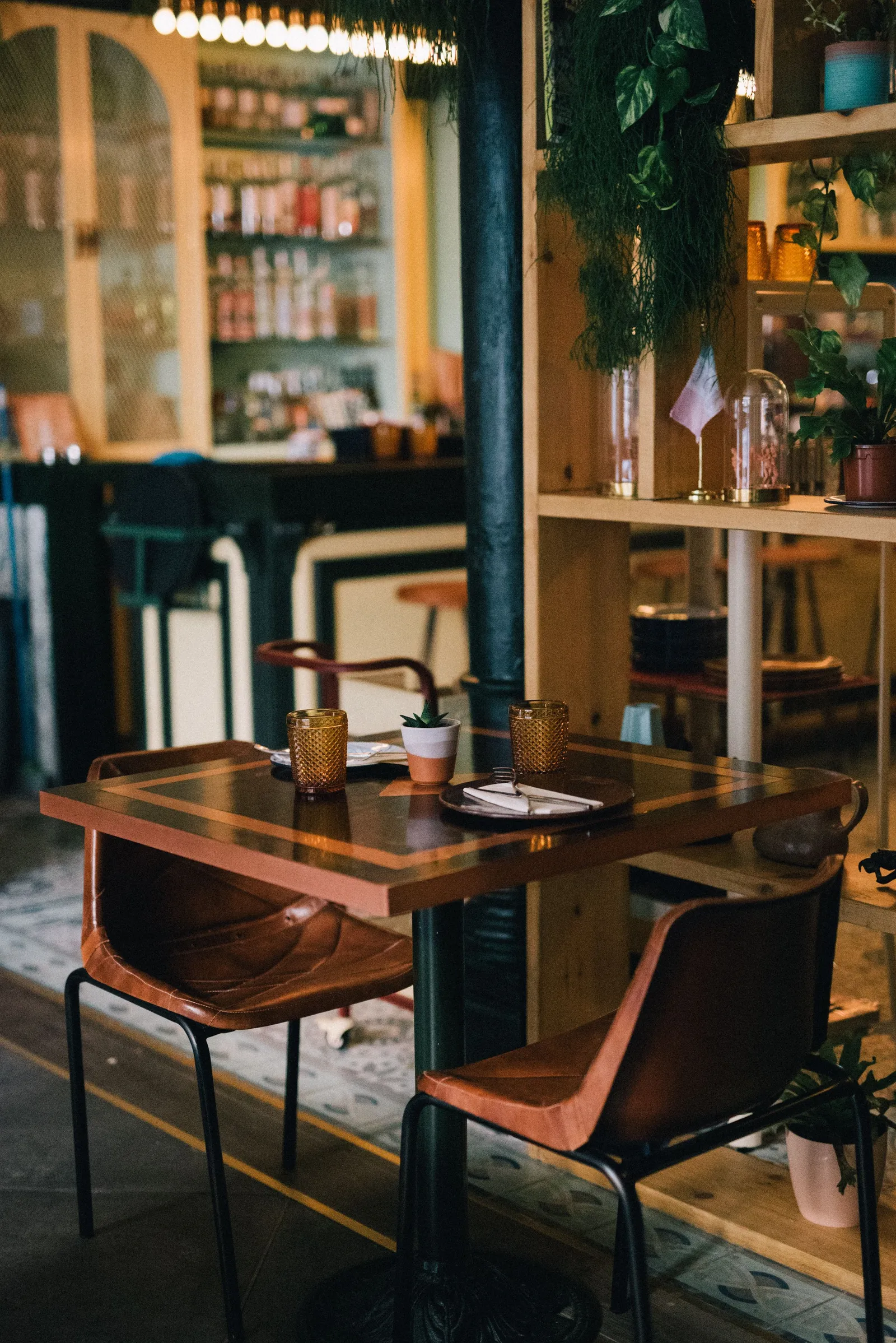
In a college town, a home game can double a restaurant's sales in a day, and an away game can leave the dining room empty. The difference between profit and chaos lies in planning. This guide, checked in October 2026, is for owners in the Carolinas and Georgia whose trade rises and falls with the athletics calendar. It covers staffing, a game-day menu, reservations and deposits, supplies, safety and the quiet weeks that follow. It is general information. Adapt it to your own sales records, and check local rules on events and alcohol.
How do you read the calendar?
Start with the schedule for the whole season. Mark home games, big away games, graduation, move-in and parents' weekends, and note kickoff times when they are announced. Networks can move kickoffs a week or less before a game, so keep the plan flexible. Compare past years of sales for the same events, if you have them, and estimate a range for the coming one. Share the calendar with your managers and your suppliers at least a month ahead.
How should you staff a game day?
Staff to the busiest hour, not the average. Schedule extra servers, bartenders, bussers, dishwashers and a manager on the floor. Ask staff for availability early, and offer incentives such as a shift premium or a meal, since many people want to be at the game or with family. Brief staff before the shift about the plan, the menu and the closing time. Cross-train so that people can move between jobs. Allow breaks, because long, loud shifts wear people down.
Should you run a game-day menu?
Many restaurants simplify the menu on a big day. A shorter menu speeds up the kitchen, reduces waste and lets you buy in bulk. Choose items that hold well and come out fast, such as sandwiches, wings, barbecue, chili and shareable plates. Price the menu so that margins hold in a busy day, and be clear on the menu about any changes. Keep allergen information accurate, because a shorter menu is not an excuse to skip it.
How do you manage reservations and deposits?
Decide whether you will take reservations or run a walk-in list. For large parties, a deposit or a minimum spend can protect you from no-shows, and a clear policy is essential. State the deposit, the time limit on the table and the cancellation rules at booking and in the confirmation. Tell guests how long the table will be held after the reservation time. If a kickoff time changes, give guests a way to move their booking without a penalty.
How do you order supplies?
Order early. Suppliers may have limited delivery slots near a big game, and local roads may be closed. Check inventory three days before, and again the day before. Plan for ice, napkins, to-go containers and cleaning supplies, as well as food. Ask your distributor about delivery windows and closed streets. Keep a small reserve of key items in case of a rush.
Build a par sheet for game days that lists the quantities of your top twenty items for a big day, based on your sales history. Update it after each game. Ask the kitchen team for their view of what ran out and what was left over. Order extra of the items that run out first, such as buns, ice and fryer oil, and reduce the items that waste. Track trends over the season, so your last home game uses the best plan.
How do you handle crowds and safety?
Plan entry and exit, seating and lines. Keep aisles and exits clear, and observe the occupancy limits. Train staff to check identification for alcohol, to refuse service to guests who have had too much and to call a manager if there is trouble. Have a plan for lost items, medical emergencies and unruly guests. Talk to neighboring businesses and local police about plans, and ask whether the city requires an event permit for outdoor tents or street activity.
Think about noise too. Neighbors and nearby residents may object to loud crowds and outdoor speakers, and city rules on noise and hours apply. Meet your neighbors early in the season and give them a phone number. Keep trash under control and clean the sidewalk after a game. A good relationship with the neighborhood helps when you need a permit or support for an event.
What about takeout and tailgate orders?
Tailgaters buy food by the tray or pound, and a pickup program can add sales without adding tables. Set a cutoff time for orders, a pickup window and a simple menu. Package food so that it holds heat or cold for a few hours, and label it with reheating instructions. Take payment in advance. Think about parking and where pickups will happen.
How do you handle the quiet weeks?
Away weekends, bye weeks and the off-season are slow. Lower staffing, shorter hours and a focus on locals can protect margins. Run weeknight specials for students and faculty, offer catering for departments and plan community events. Save some of the game-day profit for the slow period. Review each game afterward, note what worked and adjust for the next.
More guides for your business:
- Hurricane preparedness for coastal restaurants in the Carolinas and Georgia
- Restaurant tip reporting: Form 8027, the 8 percent rule and allocated tips
- Is the restaurant labor shortage easing in 2026?
More in the US guides for food businesses.
Questions
Common questions
How early should I plan for a home game?
At least a month ahead for staffing and supplies, with a final check the week of the game because kickoff times can change.
Should I use a limited menu on game days?
Many restaurants do. A shorter menu speeds the kitchen and reduces waste, but keep allergen information accurate.
Can I charge deposits for game-day reservations?
Many restaurants do for large parties. State the deposit and cancellation rules clearly at booking and ask counsel to review your wording.
What if kickoff time changes?
Give guests a way to move their reservation without a penalty and adjust staffing if you can.
How do I handle slow weekends?
Reduce staffing, run weeknight specials for students and faculty and offer catering.
More like this
Read next
Is your restaurant menu accessible? PDF vs web page and an ADA checklist
Why a PDF or photo of your menu can fail blind and low-vision guests, what an accessible menu page looks like, and a practical checklist for a small restaurant website and online ordering page.
ADA website accessibility for restaurants: what to fix first
Restaurant websites are a common target for accessibility demand letters. What the ADA says about websites, what WCAG 2.1 AA asks for, and a practical checklist for your menu, booking page, online ordering and PDFs.
ADA website demand letters for New York restaurants: what to do
Why New York restaurants receive ADA website accessibility demand letters, what the standard is, what to do on receiving one and how to fix the most common problems. General information, checked October 2026.
Allergen and menu labeling rules for restaurants in five states
Massachusetts has a restaurant allergy law with a poster, a menu notice and a trained manager. New York City has sodium warnings for large chains. What the other states leave to local health departments, and a safe kitchen routine.
Put your menu, your replies and your photos in front of diners
Claim your free listing and decide how your business looks to the people searching for a good dish near them.
Free to list: your menu, replies and photos.