
For businesses
How to set up online ordering without the delivery apps (2026)
Mosey · November 11, 2026 · 5 min read
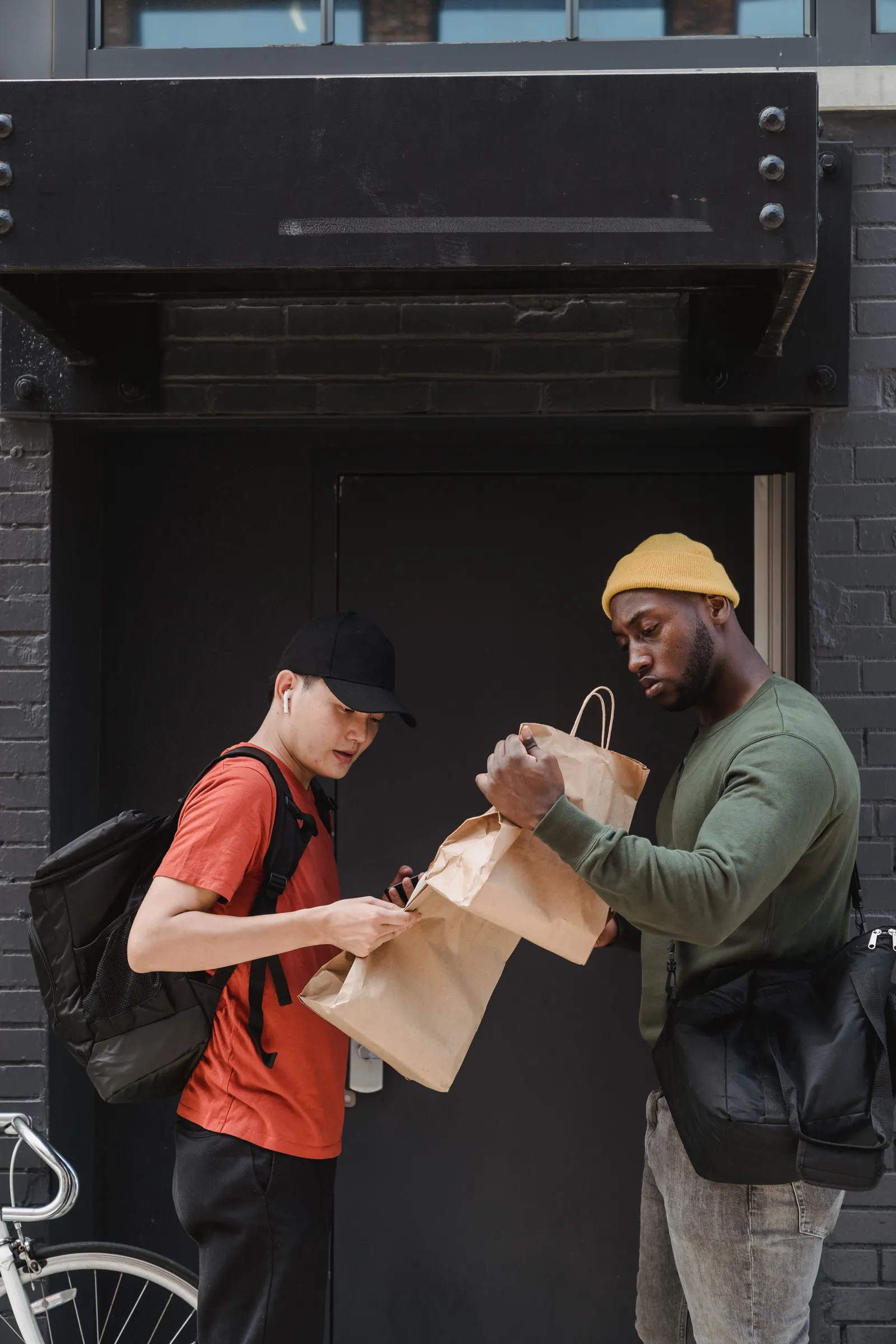
Delivery apps bring orders and take a large share of each one in fees. Many restaurants want their own online ordering as well, so that regular guests can order direct and the business keeps more of each sale. This guide, last checked in October 2026, explains how to set one up, what it costs in time and money, and what to check for sales tax in Utah, Pennsylvania and Connecticut. It describes ways to do it in general terms and does not recommend a product.
Why take your own online orders?
The main reason is margin. A third-party app commission, plus fees for promotion and payment, can take a large part of an order's price, and guests often pay higher menu prices on the app than in your dining room. An order placed on your own site or by phone avoids that commission, though you still pay for payment processing and any software. You also own the guest relationship, because you have the contact details of people who consented to receive messages. Some cities cap app fees, such as Philadelphia, and a separate guide in this series covers that cap.
What do you need to start?
A menu with clear prices and descriptions, photos of your best sellers, a way to take payment, a page or link guests can use and a plan for who handles orders in the kitchen. You can use a simple order form on your website, a hosted ordering page, or software connected to your point of sale. Start small: a short pickup menu with items that travel well. Test it yourself before you announce it, by placing orders and timing them.
How should you set prices and menus for takeout?
Foods that hold well, such as sandwiches, bowls, pizza, pasta and grain dishes, do better than fries and delicate fish. Price takeout items to cover the packaging, which costs more than you expect. Consider a small charge for delivery, or a minimum order, and explain it. Keep the online menu in line with the dine-in menu, so that you do not have to update two lists. Mark allergens and dietary options clearly, since guests cannot ask a server.
How do you handle sales tax and fees?
Prepared food is taxed in all three states, and the details differ. Utah applies sales tax to restaurant meals plus a county restaurant tax in many places. Pennsylvania applies its sales tax to prepared food, with higher combined rates in Philadelphia and Allegheny County. Connecticut applies a meals tax, listed at 7.35 percent by the Department of Revenue Services, though bills in the 2026 session proposed changing it, so check the current rate. Whether a delivery fee or a service charge is taxable can vary, so ask the state tax office or your accountant, and set your system accordingly. Show tax and fees before the guest pays.
How do you manage pickup and kitchen flow?
Set realistic pickup times and slot limits per quarter hour, so the kitchen is not buried at 6 p.m. Print or display tickets in order of pickup time. Assign one person to hand off bags. Create a shelf by the door with labels. Pack the order with a checklist, including utensils and sauces. A late order damages trust, so add five minutes to your estimate and beat it. Keep a record of orders that went wrong and fix the cause.
What about delivery yourself?
Own delivery needs drivers, insurance and a radius. Decide whether you will use employees, contractors or a delivery service that charges per delivery. Check your insurance and your state's rules for classifying workers. In a small town or a ski area, a limited delivery radius may work. Otherwise, offer pickup only and let guests use apps for delivery if they wish.
How do you promote your own ordering?
Put a link at the top of your website and social profiles. Add a card in every bag that invites guests to order direct next time. Train staff to mention it on the phone. Offer a small perk, such as a free drink or a loyalty stamp, for direct orders. Do not misrepresent app prices or run down the apps, which may breach your contract with them. Keep your listing details on the apps accurate.
What should you check before you launch?
Test payment, tax, receipts and refunds. Write a policy on missing items and late pickups. Check that your website works on a phone, loads fast and meets accessibility basics, since a separate guide in this series covers website accessibility. Train staff on the new flow. Review the first month: order counts, average ticket, errors and pickup times. Adjust the menu and the slot limits based on what you learn.
Think about the human side as well. A guest who orders direct often does so because they like your business and want to support it, so the experience should feel personal: a handwritten note on the bag, the right sauces, a quick answer if they call. Keep a phone line answered during order hours, and give the person on the phone the authority to fix a mistake with a refund or a credit. A small gesture after a problem builds loyalty that no discount can match, and it costs less than the commission on an app order.
More guides for your business:
- How to run a waitlist for walk-in guests at a restaurant
- Food allergen practice for restaurants in North Carolina and Georgia
- Buying local produce and seafood for your menu in NC and Georgia
More in the US guides for food businesses.
Questions
Common questions
Why order direct instead of through a delivery app?
You avoid the app's commission and keep your guest's contact details. You still pay for payment processing and any software.
Is food delivered by a restaurant taxed in Utah, Pennsylvania and Connecticut?
Prepared food is taxed in all three, with different rates. Ask the state tax office whether a delivery fee is taxable.
What foods work best for takeout?
Dishes that hold heat and texture, such as sandwiches, bowls, pizza and pasta.
Do I need my own drivers?
No. Many restaurants offer pickup only and let delivery apps cover delivery.
How do I avoid kitchen overload?
Limit orders per quarter hour and set realistic pickup times.
More like this
Read next
Is your restaurant menu accessible? PDF vs web page and an ADA checklist
Why a PDF or photo of your menu can fail blind and low-vision guests, what an accessible menu page looks like, and a practical checklist for a small restaurant website and online ordering page.
ADA website accessibility for restaurants: what to fix first
Restaurant websites are a common target for accessibility demand letters. What the ADA says about websites, what WCAG 2.1 AA asks for, and a practical checklist for your menu, booking page, online ordering and PDFs.
ADA website demand letters for New York restaurants: what to do
Why New York restaurants receive ADA website accessibility demand letters, what the standard is, what to do on receiving one and how to fix the most common problems. General information, checked October 2026.
Allergen and menu labeling rules for restaurants in five states
Massachusetts has a restaurant allergy law with a poster, a menu notice and a trained manager. New York City has sodium warnings for large chains. What the other states leave to local health departments, and a safe kitchen routine.
Put your menu, your replies and your photos in front of diners
Claim your free listing and decide how your business looks to the people searching for a good dish near them.
Free to list: your menu, replies and photos.