
How to
Choose a Restaurant With Friends Across a Big City
Mosey · November 11, 2026 · 5 min read
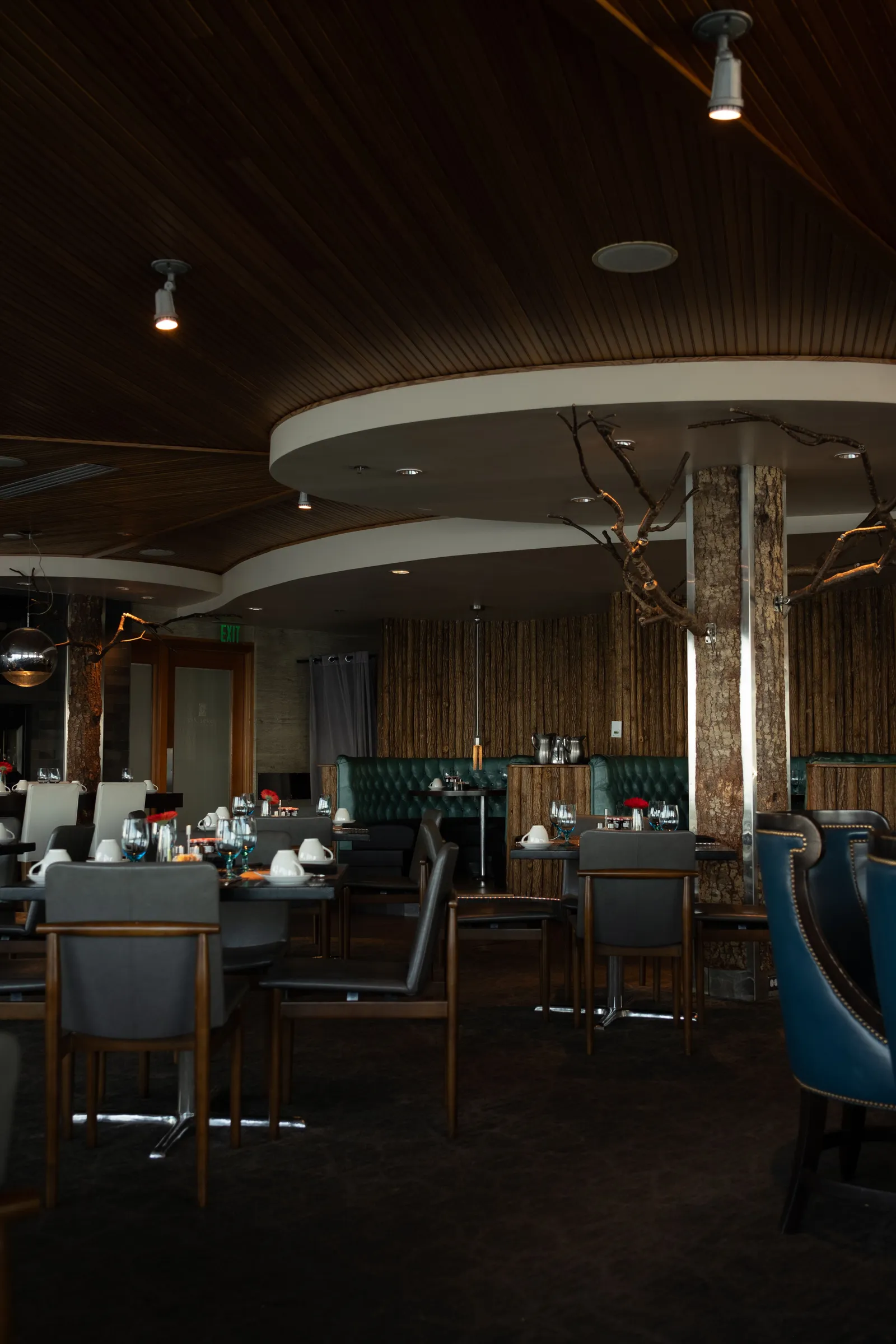
To choose a restaurant with friends who live far apart in the same city, start with the middle, not the menu. Find the neighbourhood that is fair for everyone to reach, build a shortlist there on a shared Mosey list, and have one person ask the place about seating.
Why is it hard to choose a restaurant with friends across a city?
Because the real problem is travel. In a big Canadian city, friends can live an hour apart by transit: one in a downtown condo, one in a suburb that needs a car, one across a bridge. Every suggestion forces someone to give up an evening to the commute. People say "I'm easy", mean "not too far", and the plan stalls.
Weather adds to it. A forty-minute trip in July is a pleasant evening; the same trip in a January snowfall is a reason to cancel. Winter dark falls before the end of a work day. If the group is going to meet, the plan has to account for how people get there, when they leave and how they get home.
How do you meet in the middle fairly?
Ask each person two questions: how will you travel, and what is the longest trip you would happily make? Then draw the overlap. Put each person's area on a mental map, find the neighbourhood that lies within reach of most, and prefer a place near a transit stop or a main road. The aim is not equal distance, it is that no one dreads the trip.
Rotate. If the group meets monthly, let the choice of area rotate so the same person does not always travel furthest. Add the area to the list as a section, and add a note about how to get there: the stop, the line, a parking street. These are the details that people ask about on the day, and a list can hold them once for everyone.
How do you use a shared list for a group chat?
Start a list and name it for the group. Choose "With friends" and drop the invite link into the chat. The text in the app says "Anyone with the link can join as a collaborator, even if they are not on Mosey yet", so friends who have not downloaded anything can still add a pick. Ask each person to add one place and say why in the "Why it belongs" box.
The list then does what the chat cannot: it keeps the options together, in one order, with the reason next to each. Sort by highest rated or date added to see what has the group's attention. Drag the front-runners to the top. Messages continue in the chat, but the decision lives on the list, where a late arrival can catch up in a minute.
What should you ask the place about seating?
Contact each shortlisted place directly. Say how many people are coming, the day and time and whether anyone has dietary needs. Ask whether they can seat the group together, whether there is a time limit and how long the kitchen takes. Ask whether the room is loud, since a table of six is miserable when no one can hear. Ask what the quiet hours are.
Write the answers into the list as notes. If a place cannot seat you, take it off, and thank them. A list is a planning tool and holds no table for anyone, so the call is still yours to make. Keep the answers: next month's organizer can start from them instead of making the same calls again.
How do you keep everyone included?
Make the shortlist reflect the quietest voice. If one friend avoids crowds, another is on a budget and a third cannot eat dairy, say so up front and let those needs choose the candidates. Ask privately if someone is shy about a limit. Then pick a place with a broad menu where everyone can order what suits them.
Use the occasion tags as clues, not guarantees. People tag ratings with words like Group Dining, Catch-Up with Friends and Family Friendly, and they reflect one person's visit only. Only the place can tell you what it offers. For a walking outing instead, see the Chinatown food crawl guide. The anniversary guide and the business lunch guide show the same method for other occasions.
What should the group do after the dinner?
Ask each person to rate what they ate, by the dish, and tag the friends who were at the table so each can add a rating of the same meal. Keep the list for next time, with a section for places that worked and a note on how to get there. A record of where the group met builds up over a year into a handy map of the city.
To share a good list more widely, make it public, and anyone can find, save and follow it. If you want to bring a larger circle in, the family list guide shows how.
How a group list helps local places
A table of six on a quiet night is welcome in any small restaurant, and a rating tells the next group what to order. Mosey is free for a place to list, has no hidden fees and keeps its tools affordable, so your group's attention supports the place directly. Supporting local sometimes means a longer commute for a better neighbourhood room.
See how lists work in the app, or browse the Canadian food guides for more.
Start the group's list in the Mosey app, share the invite link in the chat, and ask everyone to add one place near the middle.
Questions
Common questions
How do I choose a restaurant with friends who live far apart?
Ask how everyone will travel and the longest trip they would make, then pick a neighbourhood within reach of most. Build a shortlist on a shared list, ask each place about seating, and rotate the area so no one always travels furthest.
Can friends join the list without the app?
Yes, through an invite link. Anyone with the link can join as a collaborator, even if they are not on Mosey yet. People you follow who follow you back can also be invited by name, and the owner can turn the links off.
What should I ask a restaurant before bringing a group?
Ask whether they can seat everyone together at your time, whether there is a time limit, how loud the room gets and when it is quietest. Mention dietary needs and write the answers into the list so others can see them.
What does the Group Dining tag mean?
People add it to a rating when a table of friends was looked after, so it describes one person's visit. It is a clue, not a promise that a place takes large parties. Only the place can say whether it can seat your group.
How can I keep track of my group's picks and share them?
Mosey is a food app where a group keeps its picks on one shared list, rates the dishes and shares the result. Invite friends by link, follow people to see what they save, and tag ratings with the occasion.
More like this
Read next
Accessible Dining in Kingston and Dog-Friendly Patios
Accessible dining in Kingston means asking first: steps in old stone buildings, patio rules for dogs, the tags that point the way and a list of what you learn.
Accessible Restaurants in Canada: AODA and How to Ask
Accessible restaurants in Canada: what Ontario's AODA asks of restaurants, why the Accessible Canada Act mostly does not apply, and what to ask a place.
Ordering delivery in BC: what the fee cap covers, what you still pay and how to save
British Columbia caps what delivery apps can charge restaurants, but not every fee on your bill. What the law covers, where your money goes and how to order in a way that helps the restaurant.
BC liquor rules for diners: bringing your own wine, ID, PST on drinks and what is on the bill
Drinking at a restaurant in British Columbia comes with a few rules that surprise visitors: the age, corkage, who can serve you and the extra tax on alcohol. What to expect and what to ask.
