
How to
Build Your Miami Neighborhood Food List
Mosey · November 11, 2026 · 5 min read
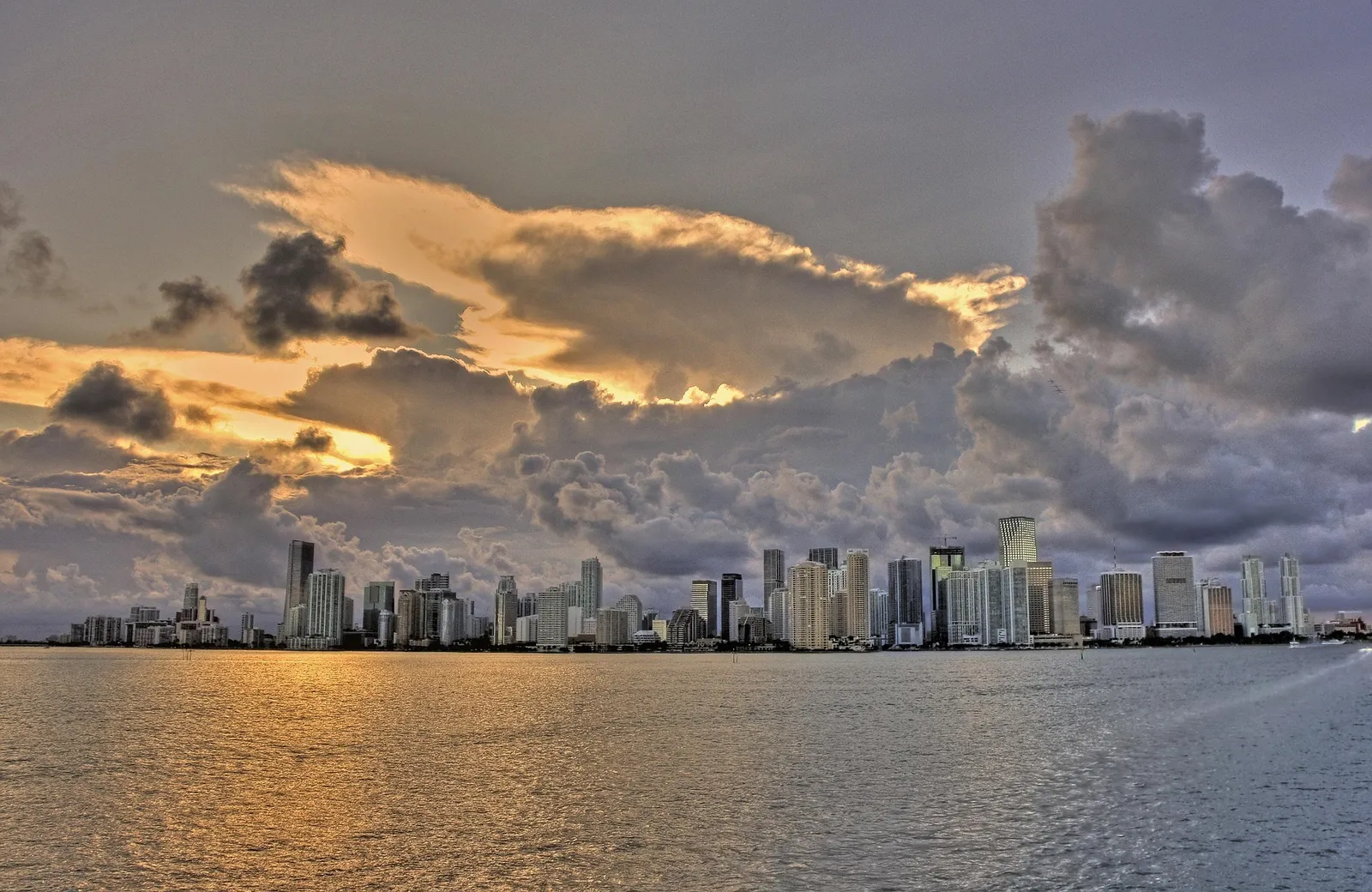
A Miami neighborhood food list works best when it follows the map the way people actually live in the county: one section per neighborhood, a few places in each, and a note on why every place belongs. Name the list, add Hialeah, Doral, Little Haiti, Sweetwater and Homestead, and invite friends to add what they know.
Miami is not one food city but many, spread across a wide county, and a single list that mixes everything quickly becomes unreadable. A list with sections stays useful, and the places you add are your own.
How do you start a Miami neighborhood food list?
Miami food by neighborhood begins with the sections, so build those first. In Mosey, a list can have sections, and each section can hold places with a short note on why it belongs. Create the list, name it, choose who sees it and add the first section. Pick a name a friend would understand at a glance, such as "Miami neighborhoods I want to eat in".
Start with the areas you know least. Your own neighborhood is easy to remember; the places you have never visited are the ones a list helps with.
Which sections belong on a Miami restaurants to try list?
A Miami restaurants to try list can use the neighborhoods and cuisines covered in our Miami guides. Hialeah for Cuban bakeries and counters, Doral for Venezuelan arepas and tequeños, Little Haiti for Haitian plates, Sweetwater for Nicaraguan grills and Homestead for tropical fruit stands. Add Coconut Grove, Brickell and Miami Beach for patios, lunches and delis.
Each section should have two to four places. A long list of forty places is a graveyard; a short list of fifteen is a plan.
What should the notes on each place say?
Notes are where a list becomes a guide. Mosey lets you add a note on why a place belongs, and the best notes are practical: what to order, when to go, what to avoid. "Guava pastelito, go before nine" tells a friend more than "great spot". Keep them short and honest.
Add dishes where you can. If you rate a place by the dish, the note and the rating work together, and the next person knows exactly what you meant.
How do you share a Miami food list with friends?
To share a Miami food list with friends, choose who sees it. A public list can be found, saved and followed by anyone. A private list is only for people on it. For a group trip, make it shared and invite friends: Mosey lets you invite people you follow who follow you back, or send an invite link so someone can join as a collaborator even if they are not on Mosey yet.
A shared list is a conversation. Friends add places, you add notes, and the plan comes together before the visit.
What does a Miami visitors food guide list look like?
A Miami visitors food guide list is shorter and more structured. For a weekend trip, group places by day: one for arrival, one for each full day and one for the last lunch before the airport. Add a note about distance, because Miami's size catches visitors out. Mix a few classics with one or two local surprises.
Visitors should also leave room. A schedule with every meal booked leaves no space for the stand or the counter you find by accident.
One more tip: name the sections by neighborhood, not by cuisine. A friend who arrives in Doral wants to see Doral, and a section called Doral gives them everything near where they are standing, whatever the food.
How do you keep the list alive after the trip?
After the trip, rate the places you ate. Your ratings become a record, and the list becomes a memory of the week. Follow friends to see what they rated and saved this week, and add to your list when you find something new. Tags help you find places again: Great Value, Quick Service, Outdoor seating and Late Night are useful reminders.
Like or save a list you want to come back to, and rate dishes by name so a future you remembers what you loved.
How do rating and lists work together?
A rating says what you thought of a dish. A list says where it fits. When three or more of your rated places share a tag, the app may offer to turn them into a list, which you can edit before saving. The new list is an ordinary list, so it does not change when you rate again.
Use both. Ratings capture the moment, and lists organize the plan.
Where can you read more about the neighborhoods?
Each section above has a guide. Start with the Hialeah Cuban food guide, the Doral arepas guide, the Little Haiti restaurants guide and the Homestead tropical fruit stands guide. Learn how lists work on the lists feature page, and browse the US food guides.
If you get stuck, start small: one section, three places, one note each. A list does not need to be complete to be useful, and a short list that a friend can add to grows faster than a long list nobody opens.
Open the Mosey app today, make your first Miami list, add a section for the neighborhood you know least, and invite a friend to add theirs.
Questions
Common questions
How do I start a food list for Miami?
Open the app, create a list, name it and choose who sees it. Add a section for each neighborhood, search for the places you want to try and write a short note on why each belongs. Keep it to two to four places per section.
Can friends add to my Miami list?
Yes. Invite people you follow who follow you back, or share an invite link so anyone with the link can join as a collaborator, even if they are not on Mosey yet. Only people on a private list can see it and add to it.
What should I write in the note on each place?
Write something practical: what to order, when to go and what to avoid. Short, honest notes such as "guava pastelito, go before nine" help a friend more than praise. Add the dish if you rate the place, so the note and the rating work together.
How can I keep track of Miami places across different neighborhoods?
Mosey is a food app for finding places to eat, rating each dish and keeping lists you can share. In Miami, make a list with a section per neighborhood, rate dishes by name, add tags such as Great Value, and follow friends to see what they rated and saved.
Does the list change when I rate a place again?
No. A list you make is an ordinary list and stays as you left it. If the app offers to turn rated places that share a tag into a list, that list is also ordinary, and you can edit its name and places before saving.
More like this
Read next
Become a Local Champion in Miami
Earn a Local Champion in Miami title by rating five places, answering three Top 3 questions and making a list, from cafecito windows to Haitian tables.
Brickell Lunch Spots and Downtown Miami Eats
Brickell lunch spots range from quick counters to long business lunches. How to plan a weekday lunch in downtown Miami, beat the rush and rate each dish.
Cheap Eats Near Florida International University
Cheap eats near Florida International University: Latin counters, bakeries and plate lunches in Sweetwater. How students eat on a budget and rate each dish.
Coconut Grove Restaurants: Patios by the Bay
Coconut Grove restaurants cluster in a shaded village by Biscayne Bay. Outdoor dining, brunch, lunch and dinner by the water, and how to rate each dish.
