
How to
Astoria Seafood List: Chowder, Crab and Smoked Fish
Mosey · November 11, 2026 · 4 min read
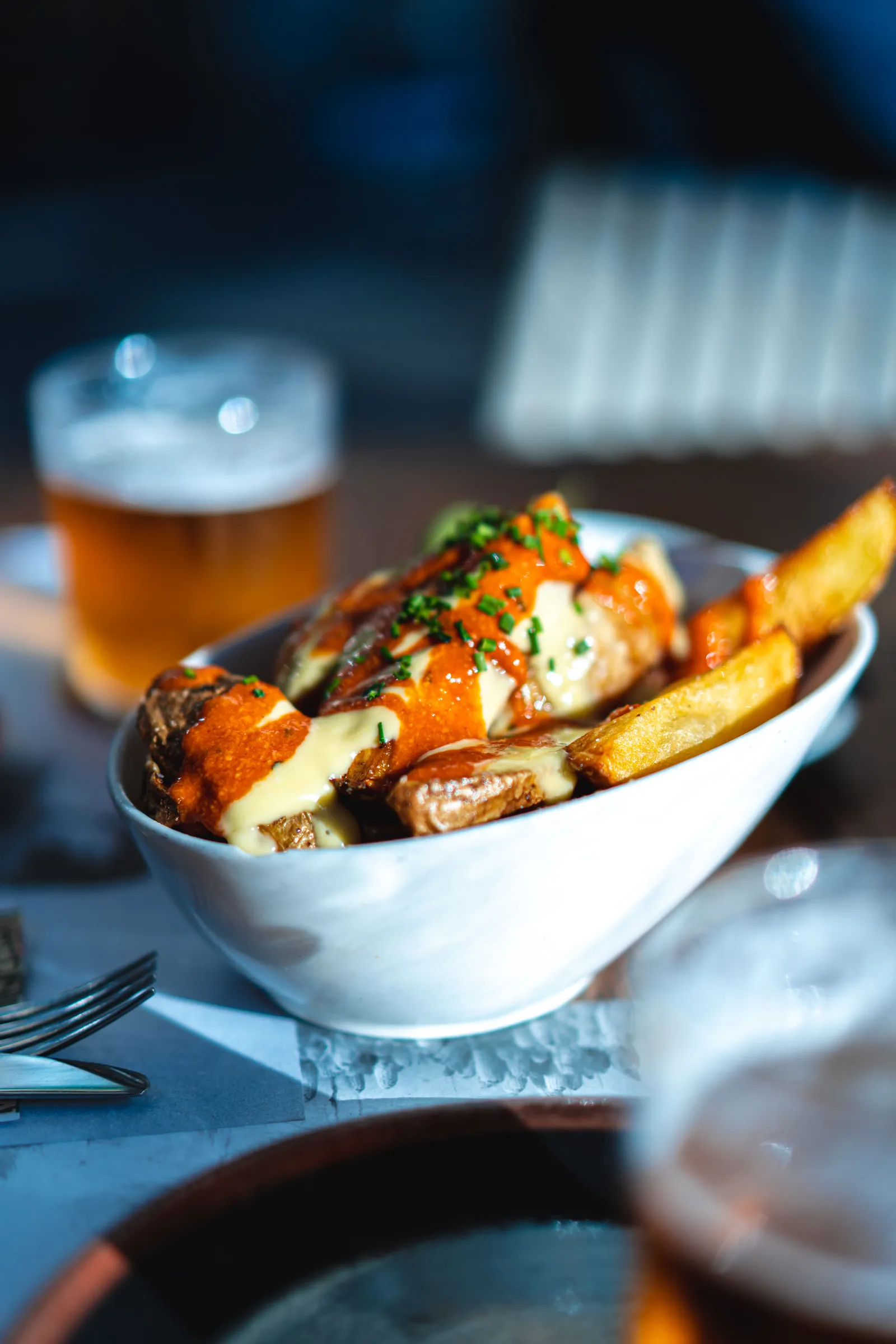
An Astoria seafood list is a list in the Mosey app with sections for chowder, crab and smoked fish, the three dishes visitors come for, which are found in different places and different seasons. Add a note on why each place belongs, share it with the people you are traveling with and keep a backup for each meal.
A list lets you keep the three kinds of food straight and turns your own ratings into a guide you trust. The right stops are the ones you rate yourself.
How should an Astoria seafood list be organized?
By dish, with three sections: Chowder, Crab and Smoked fish. Add a fourth for Fish and chips if you like. Under each section, add one or two places and a back-up. The app lets you add sections once a list has several places, and you can drag places between them. That structure turns a pile of names into a plan.
What goes into the Astoria chowder and crab stops notes?
Three lines per place: why it belongs, what to order and when to go. The app calls the field Why it belongs, and it is optional, but it is the part your friends will read. "Ask for the whole crab in winter, the chowder is thin on Mondays" is the kind of note that beats a hundred stars. The crab guide explains the season.
Where to eat seafood in Astoria across a day?
Think in meals. Breakfast with smoked salmon on a bagel, a chowder lunch, an afternoon at the waterfront with fish and chips and a crab dinner in season. The chowder guide and the breweries guide describe how each course works.
What makes a good Astoria weekend food plan?
Friday arrival and a quiet dinner, Saturday for the waterfront and a big meal, Sunday for the market in season and a long brunch. Rain is likely, so pair each outdoor stop with an indoor back-up. A list with two options per slot survives a storm.
How do you share the list with a group?
Tap invite and choose the people you follow who follow you back, or share the invite link. Anyone with the link can join as a collaborator, even if they are not on Mosey yet. Friends can add what they hear about, and can like or save the list. Choose private if you want only the people you invite to see it.
Why do dish ratings and tags improve a seafood list?
Because a place can have excellent chowder and ordinary crab. Rate each place with the dish you ordered, not just a star, and add the tags that apply: Seafood, Sea View, Family Friendly, Dog-Friendly, Outdoor seating (shown as Patio on a US phone). A friend planning a day with a child and a dog can see at a glance which stop works. People filter by tags, and they only work when diners apply them.
Can you turn your ratings into a list automatically?
Yes. After you have rated three or more places that share a tag, the app can offer to turn them into a list, with every place ticked, a name prefilled and a chance to untick any you would not recommend. It is an ordinary list afterward, so edit it when your opinions change. Your highest-rated places are also kept in a permanent list called Top Rated, which is a ready-made gift for a visitor.
What should you do after the trip?
Edit the list. Cut the stop that disappointed, add the one that surprised you and update the notes. Add the date to the title. Share it with whoever asks. The rainy day guide is a useful companion for a winter list, and the US food guides show lists for other places.
What does a first-time visitor need most?
A reason to start. A list with five stops and a line each is far less intimidating than a web of tabs. Put the most famous dish first, the best view second and the best value third. Add one surprise. If the visitor does only the first three, they will have seen the town.
How do you keep it current? Check it each winter. Crab season, cafe hours and menus change, and a list from three years ago is a memory, not a guide. Edit the list when you hear of a closure, and ask friends to do the same.
Who else can use the list? A friend arriving a week later, a parent who loves seafood and a coworker who is passing through. Because it lives in the app and not on a scrap of paper, the list is always in your pocket, and editing it takes seconds. Add a cover made from the places' photos and it looks as good as it works.
Eating your way across Oregon? The Food in Oregon page links every town we cover.
How this works in the app: Make a list.
Before you leave Astoria, download the Mosey app, rate every stop by dish and send the list to the friend who wants to follow your route.
Questions
Common questions
How do I make a seafood list for Astoria?
Start a list in the Mosey app, name it, add sections for Chowder, Crab and Smoked fish and write a note on why each Astoria place belongs. Keep it private while you plan, then invite the friends you travel with so they can add stops and notes of their own.
Can my travel companions add places to the Astoria list?
Yes. In the Mosey app you can invite people you follow who follow you back, or share the invite link, and anyone who joins can add places and notes. A friend who knows Astoria can add a fish market with a line on when it is freshest.
What's the best way to share our Astoria seafood favorites with friends?
Mosey is a food app for rating what you eat by the dish and sharing the places worth finding. Share your Astoria list by link, tag the friends you ate with, rate each dish with the Seafood tag, and follow each other to see the places you rate and save.
Do friends need the Mosey app to join an Astoria list?
No. Anyone with the invite link can join a Mosey list as a collaborator, even if they are not on the app yet. They can add Astoria places and notes straight away, which suits a group chat where only some people have installed the app.
Does the Astoria seafood list update itself?
No. A list in the Mosey app is yours to edit as your opinions change, so move a chowder stop up, add a crab stop after your trip or drop a place that closed. The notes you write on each Astoria place are what make the list worth handing to the next visitor.
More like this
Read next
Astoria Breweries and Waterfront Dining on the Columbia
Astoria breweries and waterfront dining: what brewpubs and taprooms on the Columbia offer, how pub food and river views fit a visit and how to rate a plate.
Astoria Sunday Market Food Guide: What to Eat There
Astoria Sunday Market food guide: how the 12th Street market runs from Mother's Day to mid-October, what the food court and growers offer and how to rate it.
Breakfast in Astoria Oregon: Coffee, Bakeries and Brunch
Breakfast in Astoria Oregon: how a cannery-era downtown starts the day, from coffee and bakeries to diners and brunch, and how to rate the plate you ordered.
Clam Chowder in Astoria: Chowder, Salmon and Fish
Clam chowder in Astoria: what Oregon-style chowder is, how smoked salmon and Columbia River fish fit a seafood lunch and how to rate each plate for others.
