
How to
Rate a Whistler Weekend With Friends
Mosey · November 11, 2026 · 4 min read
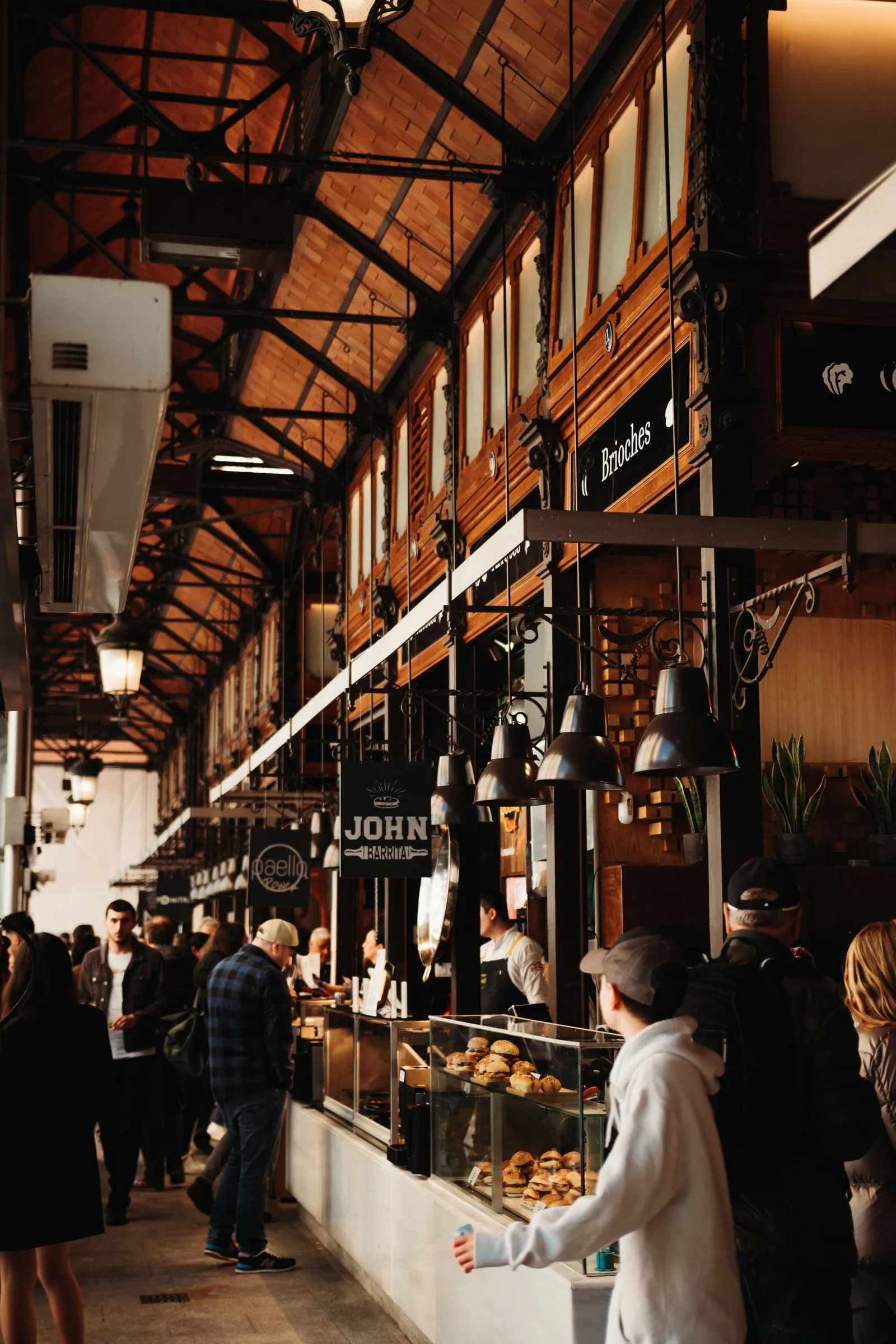
A Whistler weekend with friends is easiest to remember if you rate it as you go: tag the people you ate with, rate each dish, share one list and look at Friends' picks on the map. Six people, three days and a dozen meals leave a record of which dinner was best.
Ratings and lists are for remembering, not for planning, so the group still chooses where to eat. The list becomes a record of where the weekend went, with names attached to each dinner.
Choose one person to start the list, and agree how many places to add. Rate honestly and let the ratings sit side by side when the group disagrees.
How does a Whistler weekend with friends start?
With the people. Follow your friends in the app, and they will appear in Home. Search by name or @handle in Find people. Friends must follow you back for some features, such as sharing a list as a collaborator, so make that connection before the trip. A weekend works best when everyone has the same tools.
How do you tag friends on a rating?
When you rate a meal, the app asks "Who were you with?" Choose people you follow and tag them. They can add their own rating of the same meal, so your friend's view of the fondue is next to yours. It is not a shared or group rating, and each person keeps their own stars and words. The tag simply links the meal.
Can you rate a meal together in Whistler?
You can rate the same meal separately and link the ratings. There is no group rating, plan or vote. Each person decides what they thought, and the friends who are tagged can add theirs. If you want a quick two-step flow while you eat, use rate as you eat: "What are you having?" then "How was it?" Add dishes as they arrive.
How do you share a Whistler food list?
Make a list, name it for the trip, add places and write a line on why each belongs. Invite people you follow who follow you back, or share an invite link; anyone with the link can join as a collaborator, even if they are not on Mosey yet. Only you and the friends you invite can see a private list. The budget list guide explains how to organize one.
How do you see where friends have been?
On the map, switch to Friends' picks to see places the people you follow rated or saved. That layer shows the people you follow, not a town, so it works best when your friends have been busy. Home also shows This week with friends, which lists what they rated and saved. Both help a group choose where to eat on a Saturday night.
What does the group do about disagreements?
Rate honestly and let the ratings sit side by side. A place that one person loved and another disliked is a place for a debate over breakfast. Tags such as Group Dining, Date Night and Family Friendly are notes from raters, so use the ones that fit, and keep the words kind. A rating is a memory, not a verdict.
What should the weekend list contain?
Everything you ate and want to remember. Use sections: Friday, Saturday, Sunday, or Apres, Dinner, Breakfast. Add a note to each place, such as "get the pie" or "go before five". A list also helps the next group you send it to, and it can be liked and saved by anyone who finds it, if you make it public.
What does the app not do?
It does not book a table, split a bill, plan the weekend or collect votes. Those tasks stay with your group and the restaurants. The app is for ratings, tags, lists and what your friends have rated. Places new to Mosey are added, and we'll check their details.
How do you keep a big group in step?
Choose one person to start the list, and agree on how many places to add. Ask everyone to rate a meal the same evening, while the dish is fresh, and to tag the others. Use the weekend list as the group's memory rather than a chat full of screenshots. If one friend is not in the app, send the invite link and let them add a place or two. Over a weekend, ten or twelve ratings make a surprisingly good record, and next year's trip begins with a ready-made list.
Do friends need the app? To be tagged on a rating, yes. To join a list, an invite link works for people who are not yet in the app.
Can I use it for a stag or hen weekend? Yes, for ratings and lists. Keep plans in your group chat.
For the places themselves, read the apres ski guide and the Village and Creekside guide. The Food in British Columbia page links the other towns, and for further afield try the Canadian food guides.
How this works in the app: Rate places.
Before your next trip together, get the Mosey app, tag the table and rate the dinner that the group is still talking about.
Questions
Common questions
How do I tag friends on a rating in Whistler?
When you rate a meal, the app asks who you were with. Choose people you follow and tag them, and they can add their own rating of the same meal.
Can the group rate a meal together in Whistler?
You can rate the same meal separately and link the ratings. Each person keeps their own stars and notes, so a table that disagrees ends up with honest views side by side.
How do I see where friends have been in Whistler?
On the map, switch to Friends' picks to see places the people you follow rated or saved. The layer is a quick way to see what the group has found around the resort.
Do friends need the app for a Whistler weekend list?
To be tagged on a rating, yes. Friends who are not in the app can still join a list through an invite link as collaborators and add the places they found.
What is the best way to share places to eat on a Whistler weekend?
Mosey is a food app for finding good places to eat, with ratings by the dish and lists you can share. For a Whistler weekend, name a list for the trip, invite the group, tag friends on each rating and rate each dish. Following friends shows what they rate, so the next trip starts from their taste.
More like this
Read next
Breakfast Before the Lifts in Whistler
Breakfast before the lifts in Whistler: how to eat early, fast and well before first chair, what to order and how to rate it so the next skier plans better.
Your Whistler Food List: Eat Well on a Budget
Build a Whistler food list for a weekend on a budget: how to sort places by tag, add notes and friends, and keep the whole plan in one place.
Cheap Eats in Whistler: Eating Well on a Budget
Cheap eats in Whistler without the sulking: how to eat well in an expensive resort, three budget stops, and how a Great Value tag keeps score for you.
Function Junction Whistler: Where Locals Eat
Function Junction Whistler is the light-industrial pocket where locals buy bread, coffee and beer: what is there, how to visit, and how to rate it as you go.
