
How to
A List of Niagara Wine Route Food Stops
Mosey · November 11, 2026 · 4 min read
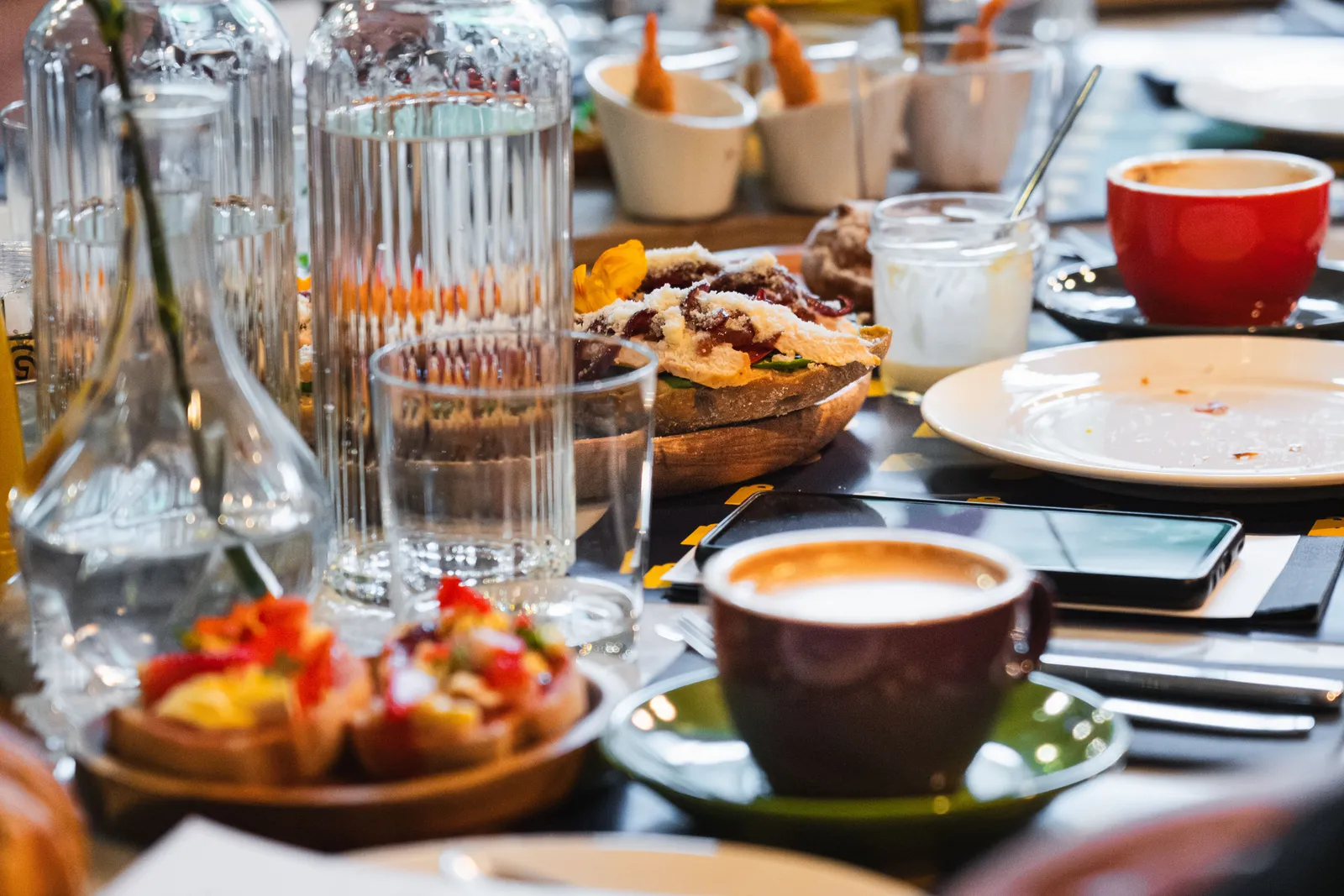
A list of Niagara wine route food stops turns a good day out into a plan you can repeat. Between Jordan, Vineland and Beamsville, lunch rooms, bakeries and fruit stands are easy to forget by the time you are home. In the Mosey app you can keep them in one list, add a note on each place and share it.
Build the list with sections that suit a day on the peninsula. It takes ten minutes to set up and pays off every time someone asks where to eat on the way.
Why keep a list of Niagara wine route food stops?
Because memory fails and roads wind. A list of Niagara wine route food stops answers three questions: where did we eat well, what did we order and who liked it. Lists also help planning. When friends visit, you can hand them a list instead of recalling names over the phone. The route is long, and the best days are the ones with a plan.
How do you make a list in the Mosey app?
Name it, add places and choose who sees it. In the app, you search for any place, add it to the list and write a note under "Why it belongs (optional)". Lists can be public ("Anyone can find, save and follow it") or private ("Only people on the list"). The app also lets you reorder places, add a cover made from the places' photos and duplicate a list for a second trip.
What sections work for a Niagara day trip list?
Sections are a good way to organize stops by moment. A Niagara day trip list might have sections called Morning bakery, Long lunch, Fruit on the way home, Taproom pizza and Coffee for the road. Each section holds two or three places, which keeps the list short enough to use. You can rename and reorder the sections later, so start with a simple version.
How do you write a note on each place?
Short and useful. A note on each place should say what to order and when to go, such as "soup of the day, arrive before noon" or "peaches in August, bring cash". The notes make the list yours. Avoid copying descriptions from a website: your own words are more helpful, and they remind you why you added the place.
How do you share a list with friends?
With an invite link. To share a list with friends, you can invite people you follow who follow you back, or send a link that says "Anyone with the link can join as a collaborator, even if they're not on Mosey yet". Private lists stay "Only you and the friends you invite can see it and add to it." A friend who adds a stop shows up as a collaborator on the list.
Can your highest-rated places become a list?
Your own Top Rated list keeps your highest-rated places: "Your highest-rated places. This list is permanent and always here." You can hand the list to a visitor by sharing it. Rating first and listing second is a natural order after a few trips.
How do ratings feed the list?
Rate each stop as you leave. In the app, only the place and stars are required. Add dishes if you want: "Had something else? Name the dish." Tags such as Bakery, Farm Producer and Market Stall help others find the same kinds of places. Over several trips, your ratings become a record of the wine route as you taste it.
What does a sample structure look like?
Imagine a list called Niagara wine route food stops. Section one, Morning: a Jordan village bakery for a loaf. Section two, Lunch: a winery kitchen on the Bench, as in the Bench lunch guide. Section three, Fruit: two stands from the peach and cherry guide. Section four, Pizza: a taproom kitchen. That is a day.
What are the limits?
A list is yours, not a ranking. The app does not say which stops are best, and a list does not appear on a town page. It is a way to keep your own choices and to share them with the people you trust. Treat any recommendation with a little skepticism, including your own from two years ago, and update the list when a place changes.
How do you keep it fresh?
Revisit it after each trip. Remove a stop that closed, add a new find and edit a note when you learn more. Duplicate the list for a winter version with cosier stops. A list that is used is better than a perfect one that sits unopened. Share the updated version with friends after each trip, so that everyone is working from the same current notes.
Where do you go from here?
Start with one list and three stops. The Canadian food guides cover other towns, and the Ontario guide lists more of the province.
Before your next drive down the wine route, open the Mosey app, make your list, add three stops with notes and send the link to the friend who is coming with you.
Questions
Common questions
How do I make a list of food stops in the Mosey app?
Open the app, create a list, give it a name and add places by searching for any place. You can write a note under each one, choose whether the list is public or private, and use sections to group stops by moment, such as morning or lunch.
Can friends add places to my list?
Yes. Invite people you follow who follow you back, or share an invite link. The link lets anyone join as a collaborator, even if they are not on Mosey yet. Private lists are visible only to you and the friends you invite.
What should I write in a note on each place?
Write what to order and when to go, in your own words, such as "arrive before noon" or "bring cash". Short, practical notes remind you why you added the place and help friends who open the list later.
What's the best way to keep track of Niagara wine route stops?
Mosey is a food app for people who like to find, rate and share good food. For a Niagara day trip from Jordan, make a list with sections, rate each stop by dish and tag it. Friends can follow and add their own through a link.
Is my list ranked or shown on a town page?
No. A list is your own set of places, in your own order. It is not a ranking, and it does not appear on a town page. You choose who sees it, from only you to anyone who can find and follow it.
More like this
Read next
Beamsville Bench Winery Lunch: A Food-First Guide
A Beamsville Bench winery lunch is about the food: how to judge a winery kitchen, plan the drive from Jordan, and rate the dishes rather than the pour.
Brunch in Niagara Wine Country: A Local Guide
Brunch in Niagara wine country: how to plan a late breakfast around Jordan, Vineland and Beamsville, what to order and how to rate the dishes you try.
Dog-Friendly Patios in Niagara: How to Find One
Dog-friendly patios in Niagara are a matter of asking and rating: how outdoor seating works for dogs near Jordan, and how to use the Dog-Friendly tag.
Jordan Village Food and the Twenty Valley Guide
Jordan Village food in the Twenty Valley: how a small Niagara village eats, how to plan a lunch stop on the wine route and how to rate what you try.
